

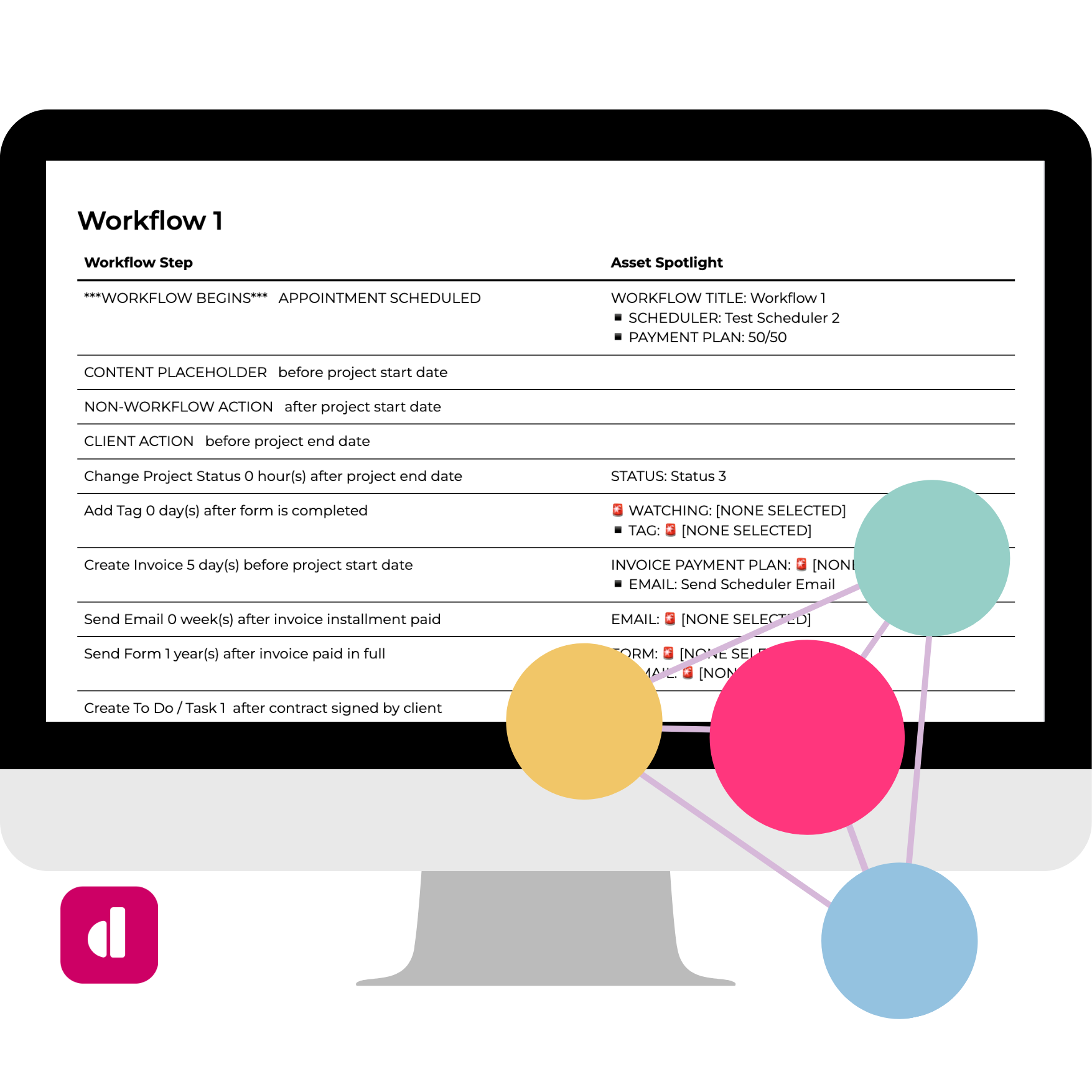
Description

Run every Dubsado build from one place
Onboarding, the workflow map, content, client review, and handoff all happen in one connected Airtable base.
The Setup OS is the Airtable Dubsado workflow builder I run my own setup business on. You map the build, collect everything your client sends, review it with them, and hand it off from the same system.
Finish every build without hunting for a file
Every Dubsado build gets entered by hand, and it stops each time a piece is missing:
- Which photo did they want in their email signature?
- Where is the doc with the onboarding email copy?
- Did the client approve that subject line, or just comment on it?
- Which form goes with which workflow?
Dubsado can’t copy workflows, emails, packages, or payment plans between accounts, so all of it has to be ready when you sit down to build. I started out mapping on phone calls with notebook paper, then built the Google Sheets Workflow Builder, and still needed separate onboarding and implementation forms to pull a build together. The Setup OS puts all of it in one place.

Find everything without stopping the build
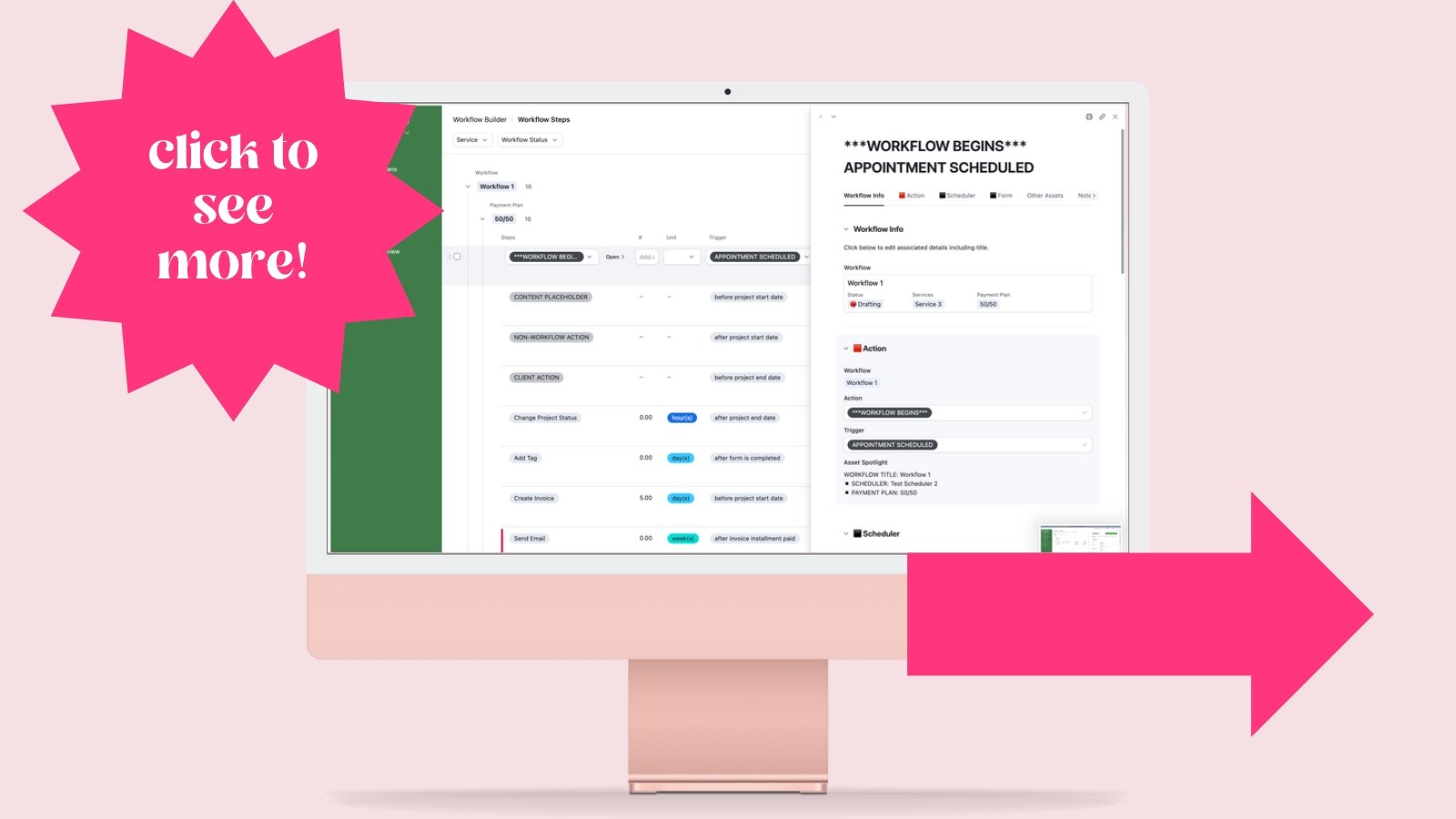
Every step you map links to the email, form, or scheduler it needs, and your client’s onboarding answers and content are in the same base. Your build list comes straight from the map.

Workflows
Stages of the client experience
Each workflow covers one stage of a service, like lead, onboarding, delivery, or offboarding.
Steps
Each step, in order
A step is a Dubsado action, a manual to-do, something the client does, or a placeholder for content you still need.
Assets
What each step needs
Every step links to the exact email, form, scheduler, payment plan, project status, tag, task, custom field, or other asset.
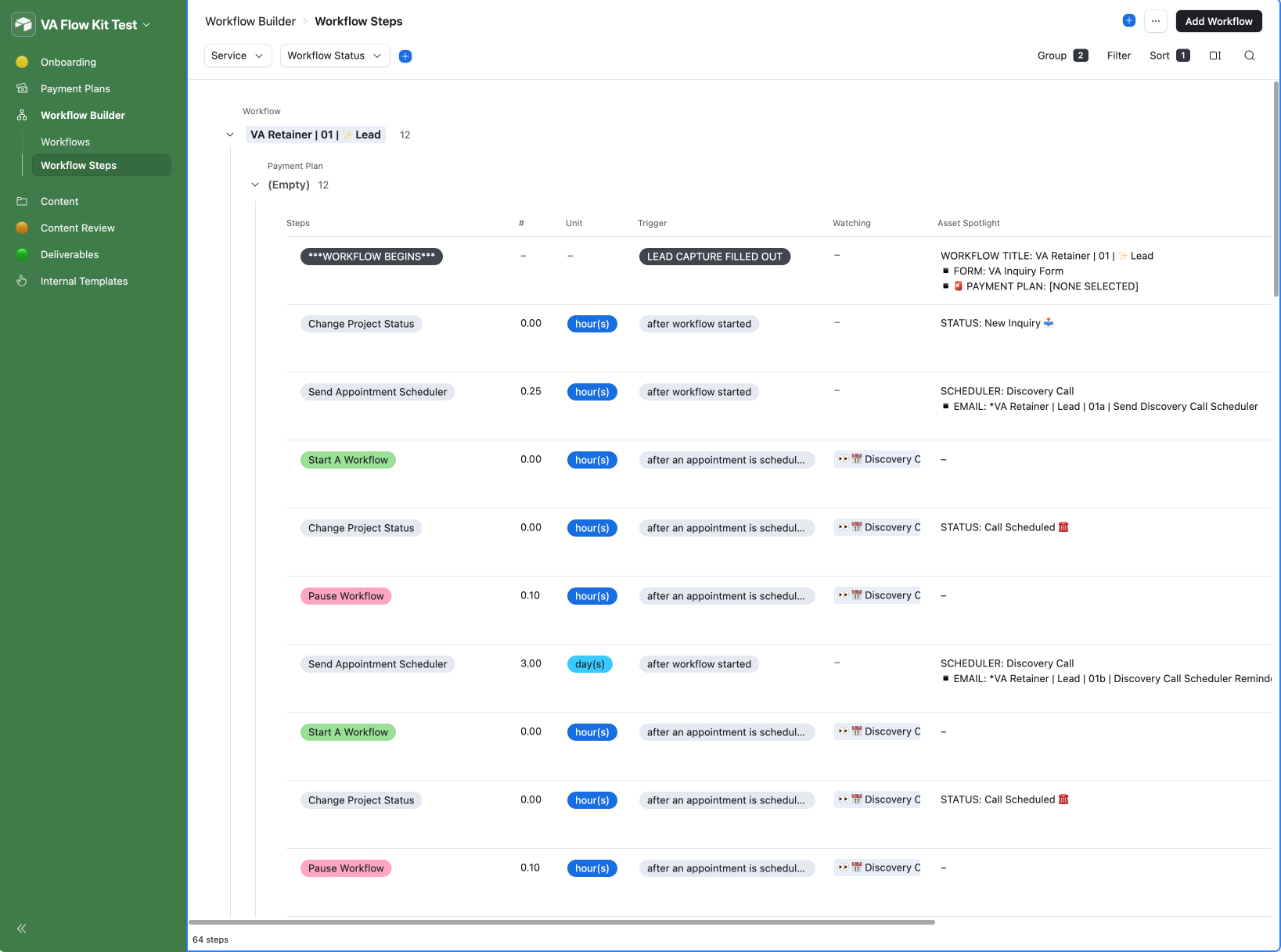
You map payment plans the same way, with each installment and its reminder emails.
Clients log in to something they can follow
Your client works in interfaces built for them, and you never send them a spreadsheet.
One stage at a time
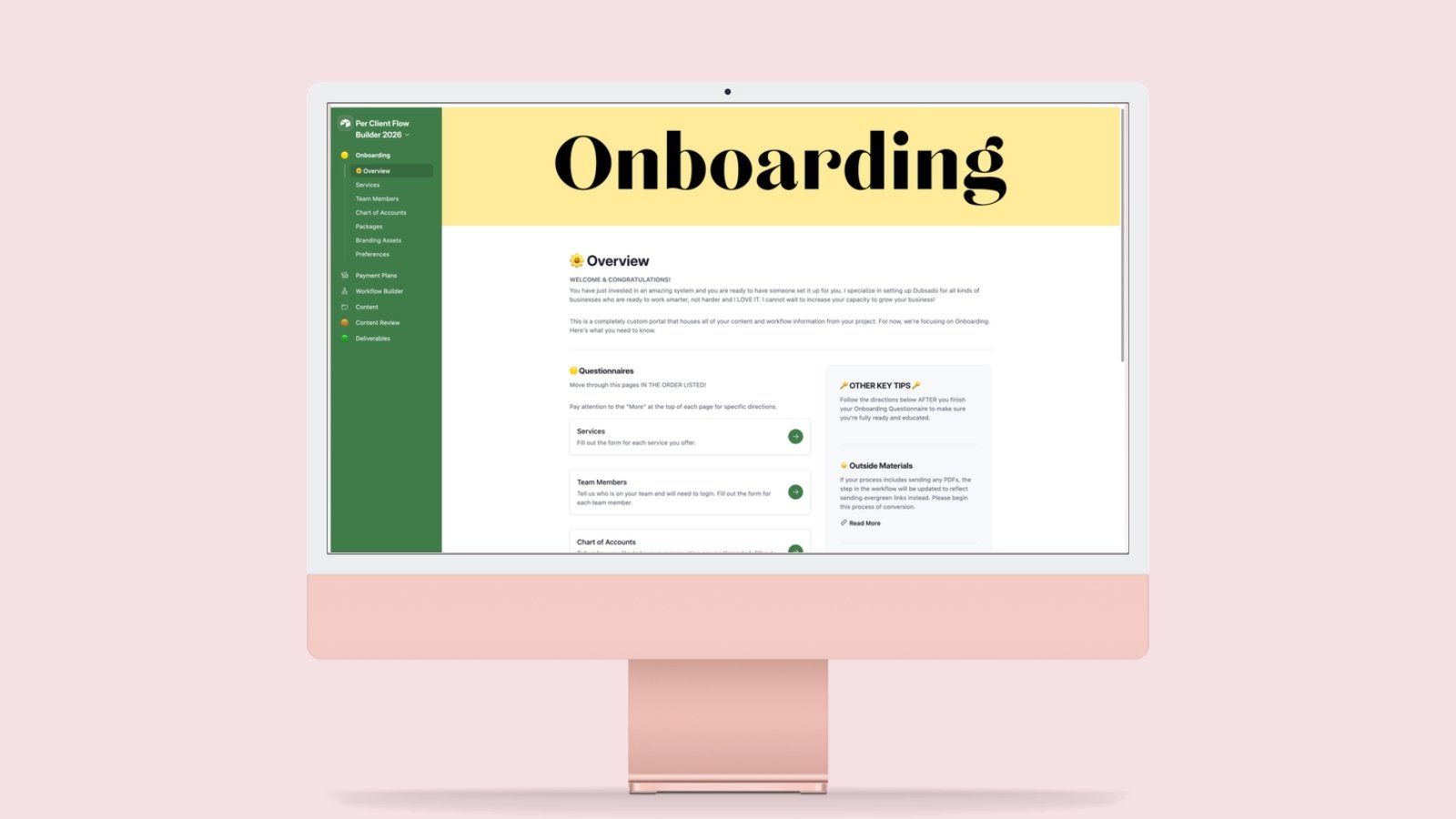
Client interfaces open in stages: onboarding first, then content review, then the deliverables.
Edits they make themselves
Your client types the wording they want straight into each email, so you copy it into Dubsado as is.
Deliverables they keep
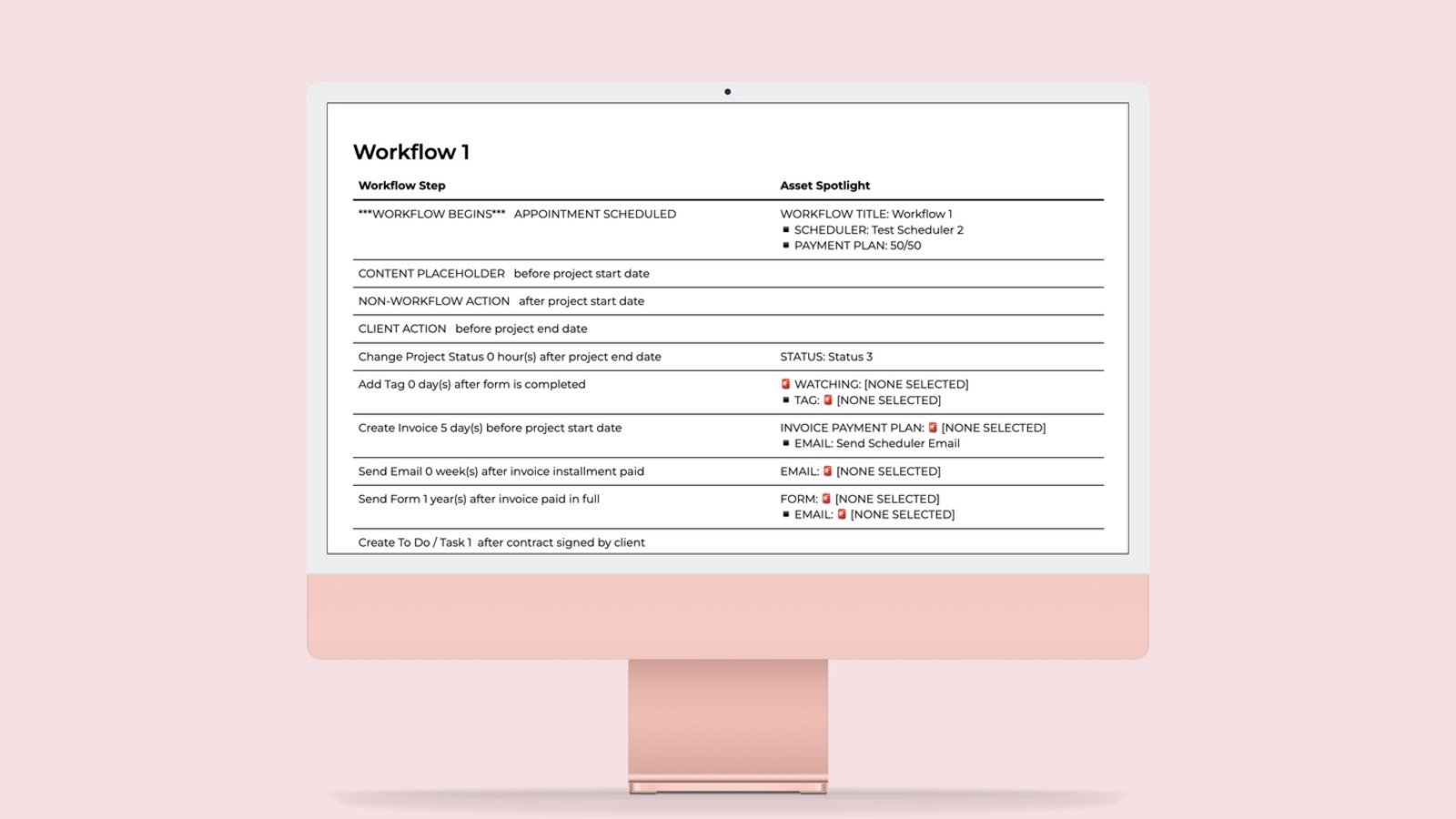
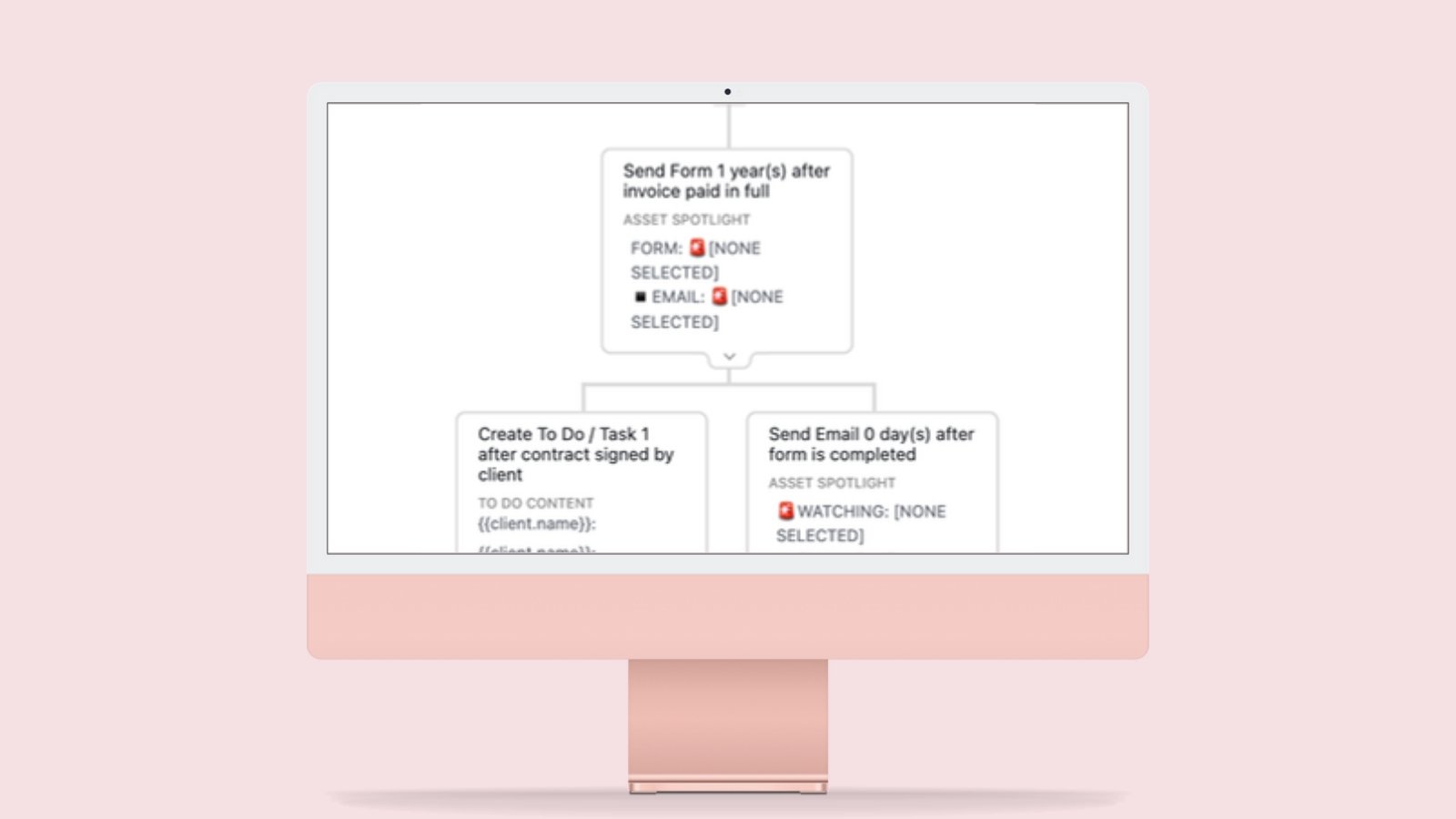
At handoff they get a branded workflow booklet, a flowchart that shows branches, and directions to practice each workflow.
Show clients what the build is worth
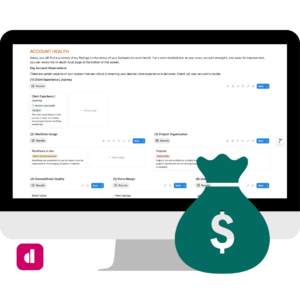
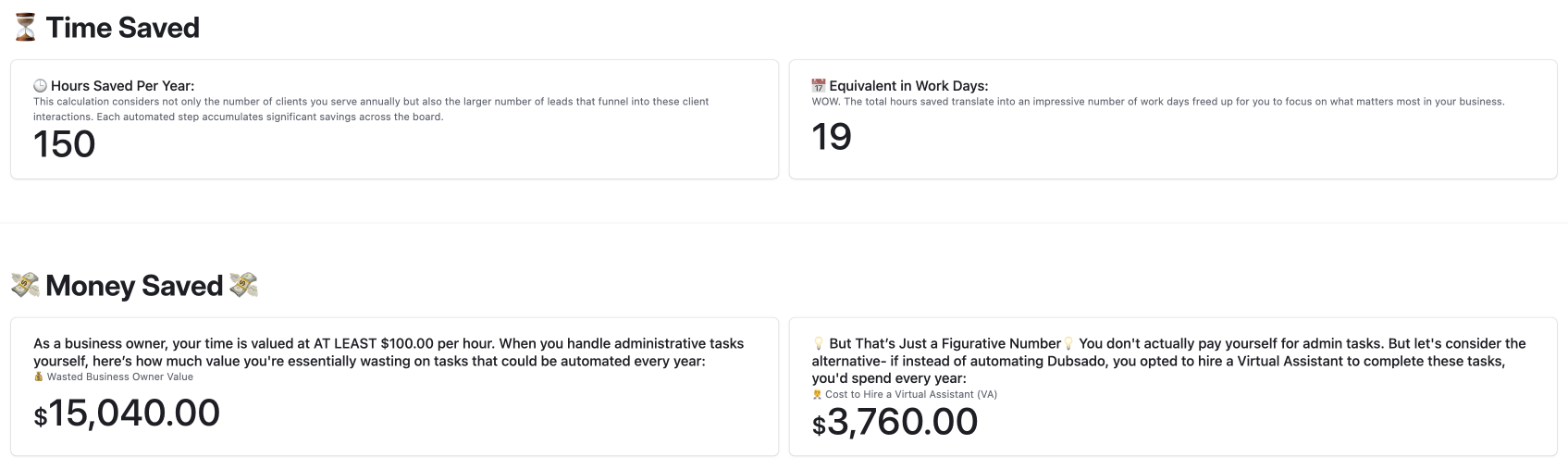
The Deliverables interface includes a Return on Investment report, calculated from the map you built and the details your client entered during onboarding. There is nothing extra to fill in.
Time saved, step by step
Each type of step has a set time estimate based on its action and trigger, so a form or scheduler that now sends itself counts for more than a tag.
Scaled to their volume
Those minutes are multiplied by how many clients each service serves a year, then shown as hours and work days saved.
Turned into dollars
The hours are valued at a business owner rate and at the cost of hiring an assistant, next to the estimated annual earnings from each service.
Hand a build to your VA
The interfaces already show what goes in and in what order.
Each client gets their own copy of the Flow Builder, so your VA opens one base and sees the map, the content, and the client’s edits for that project. Handing off a build no longer means a long call and a longer doc.

Reuse your best work on every client
Your proven emails, forms, and to-dos go into every new build, and AI can help if you want it to.
One Template Bank
You keep reusable emails, forms, and to-dos in a separate Template Bank, sorted by speaker and industry. It syncs into each client’s base.
Copied in for you
Any template you mark Always Create is copied into each new client’s base, so every build starts with your best work.
AI help, if you want it
With Airtable’s MCP, an AI assistant like Claude can connect to your base and help draft workflows and content. An AI field also writes a short summary of each to-do.

From first form to handoff

- 01
Onboard
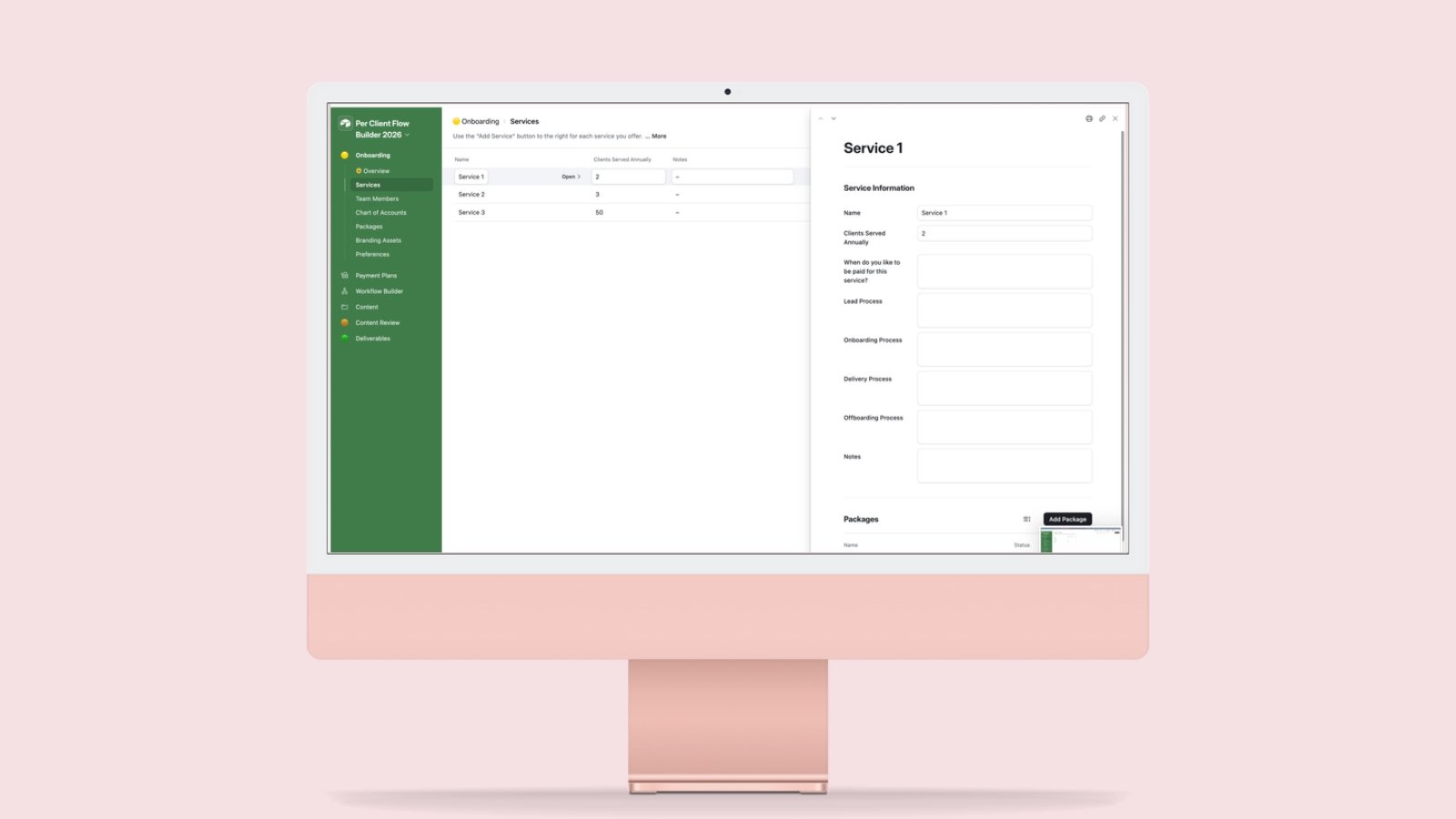
The client enters their services, packages, team, branding, and current process.
- 02
Map
You map payment plans and workflows, with every step connected to what it needs.
- 03
Prepare
You prepare the emails, forms, and schedulers for your client to review.
- 04
Review
The client enters the exact wording and settings they want used.
- 05
Build and hand off
You enter the finished system in Dubsado, then share the client deliverables.
A look around
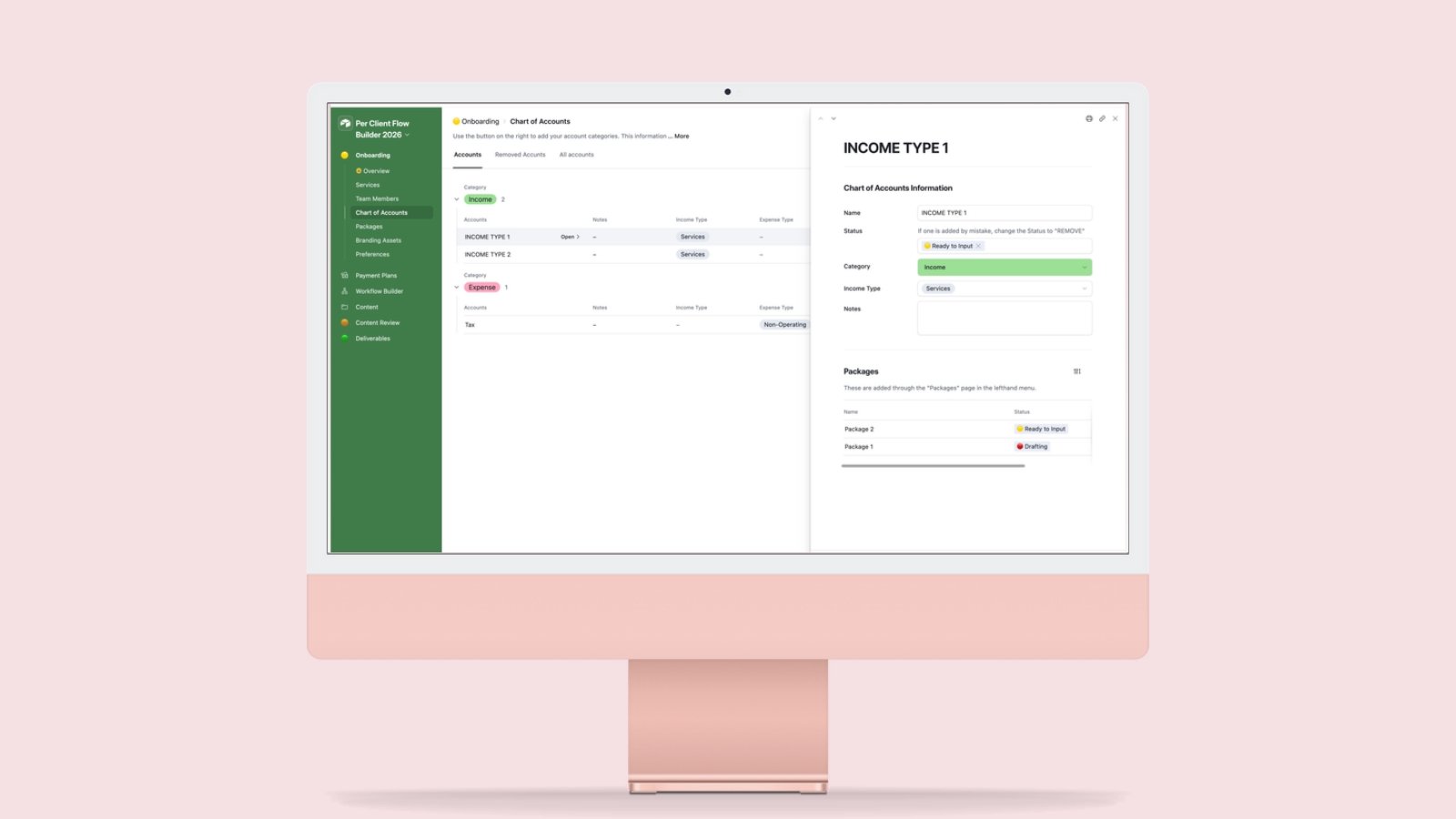
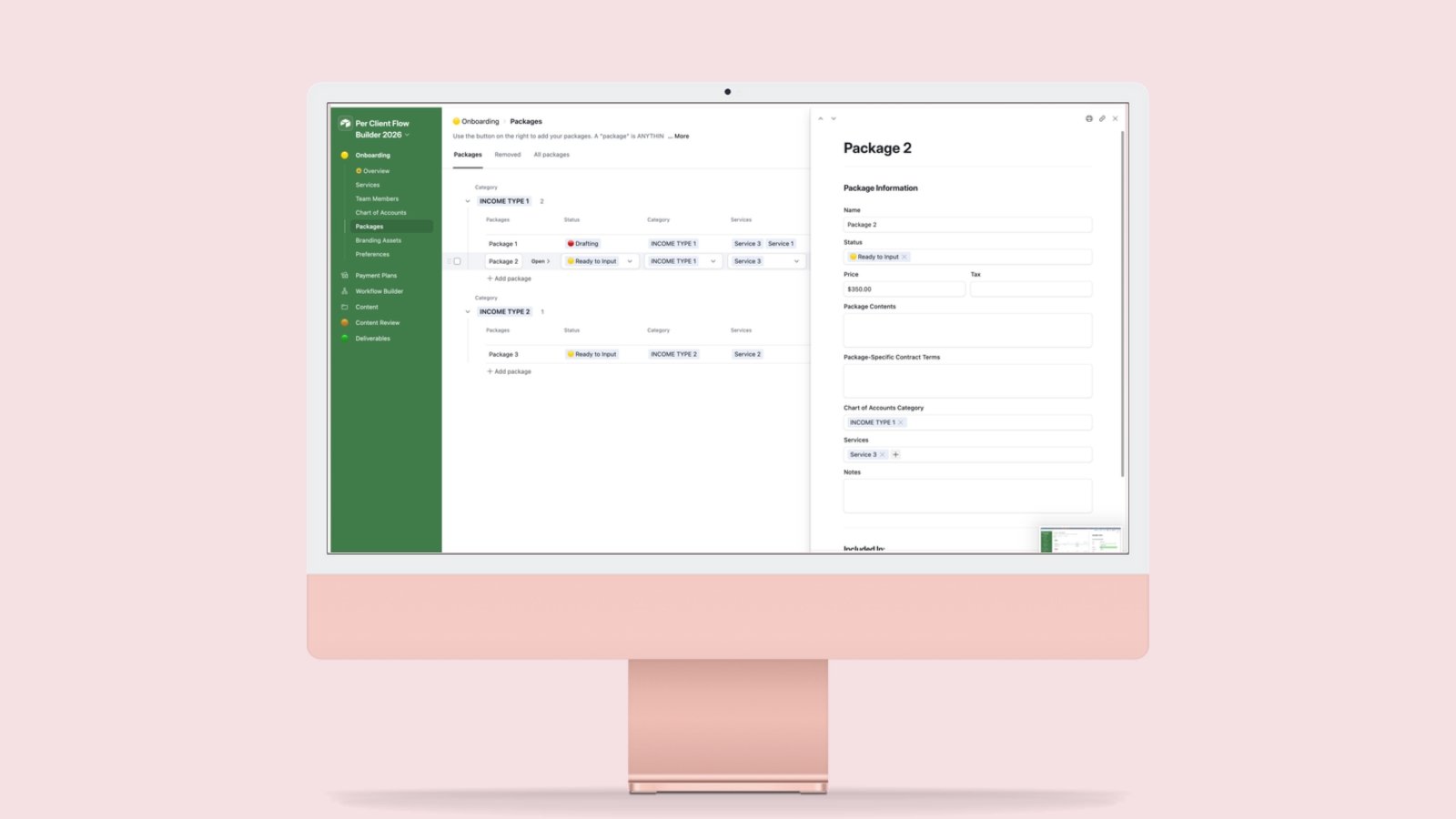
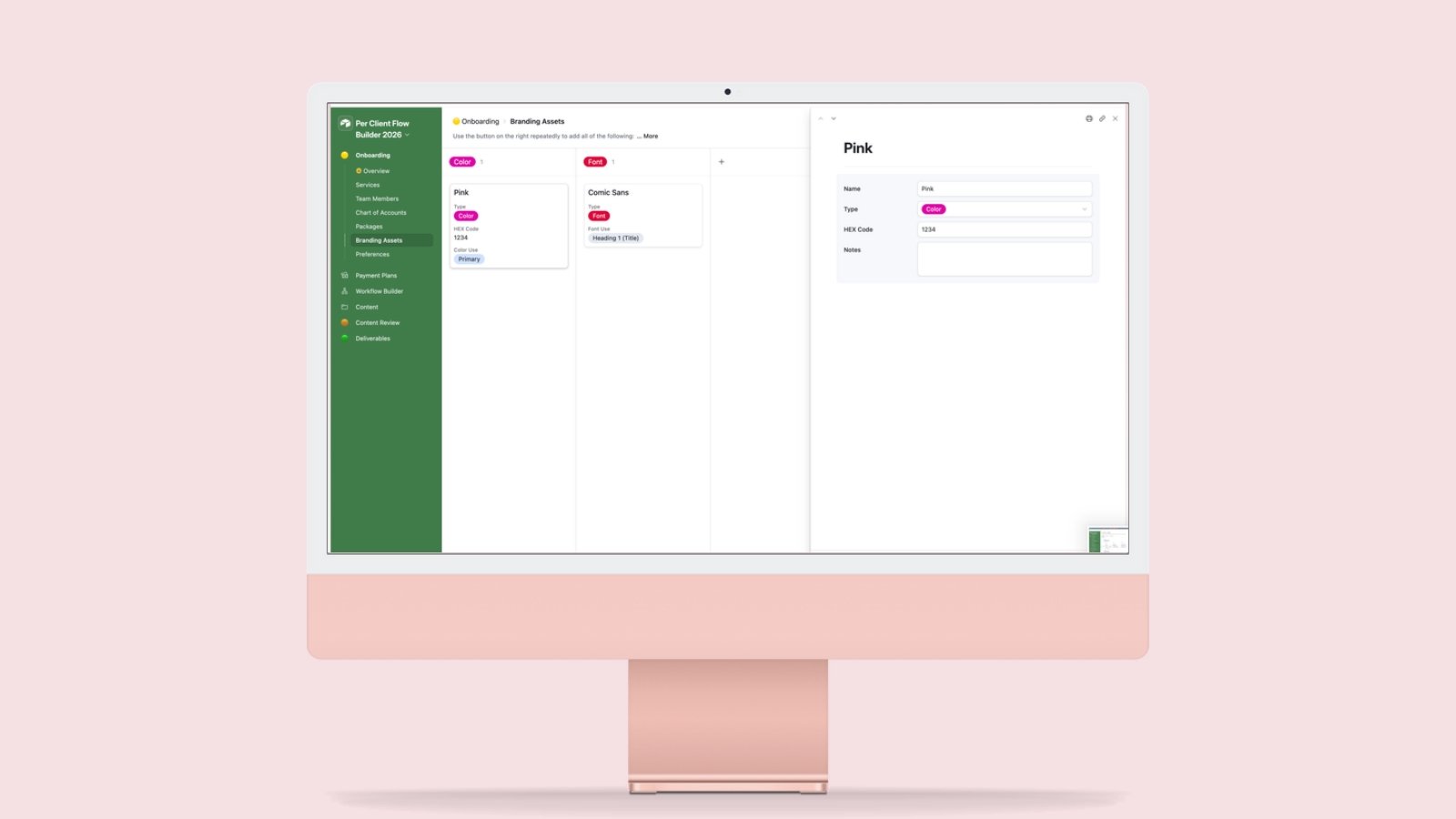
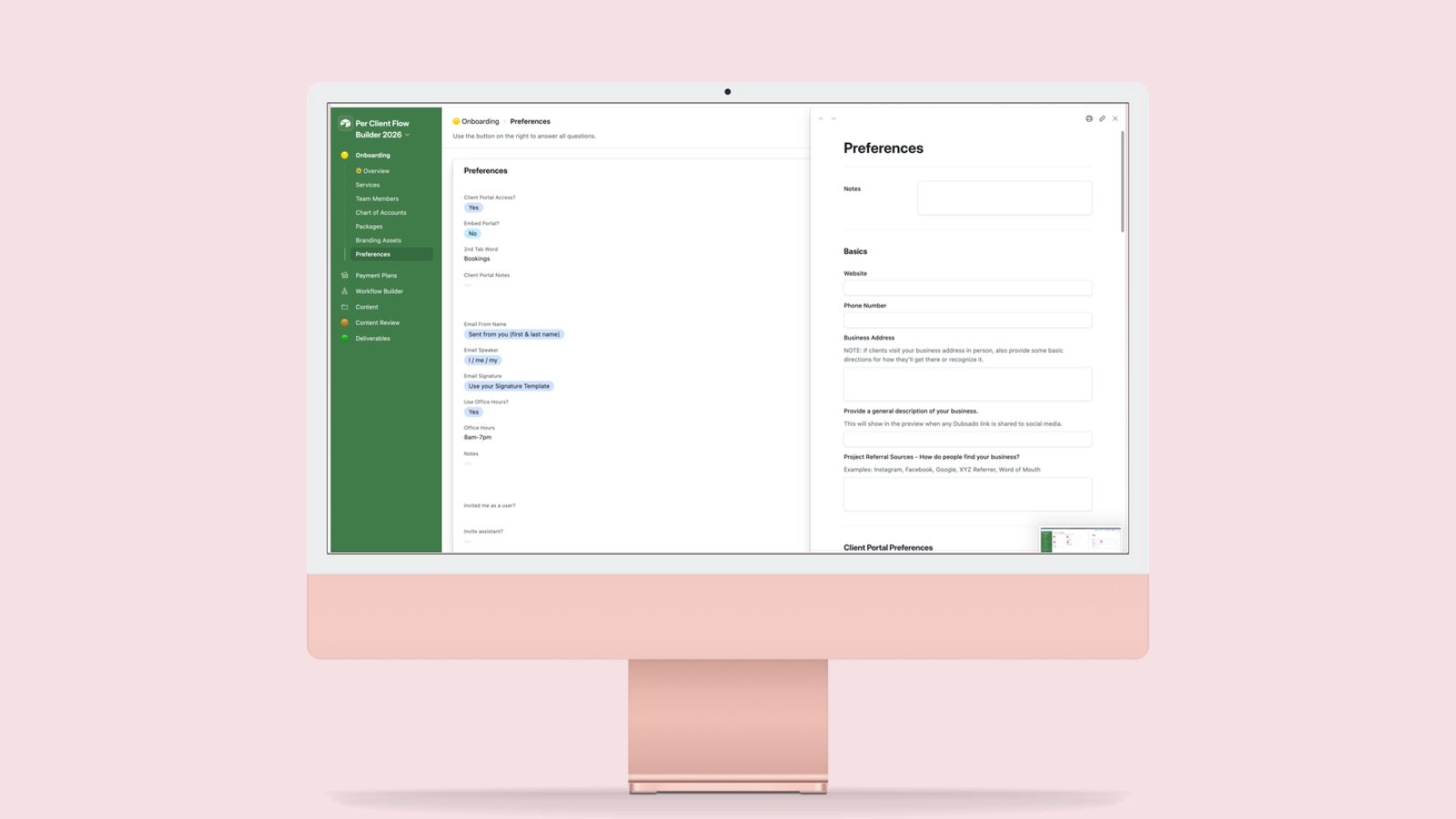
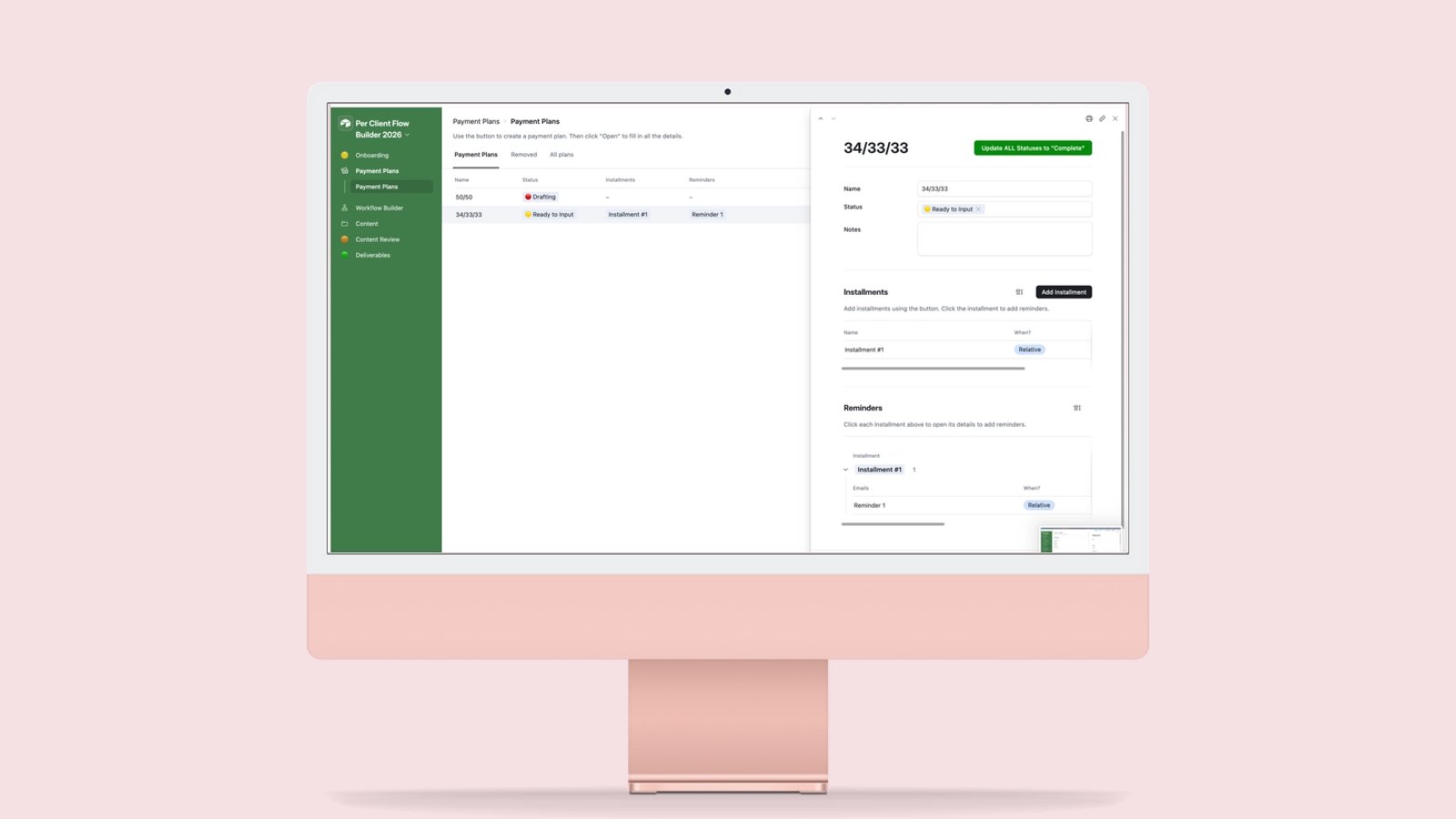
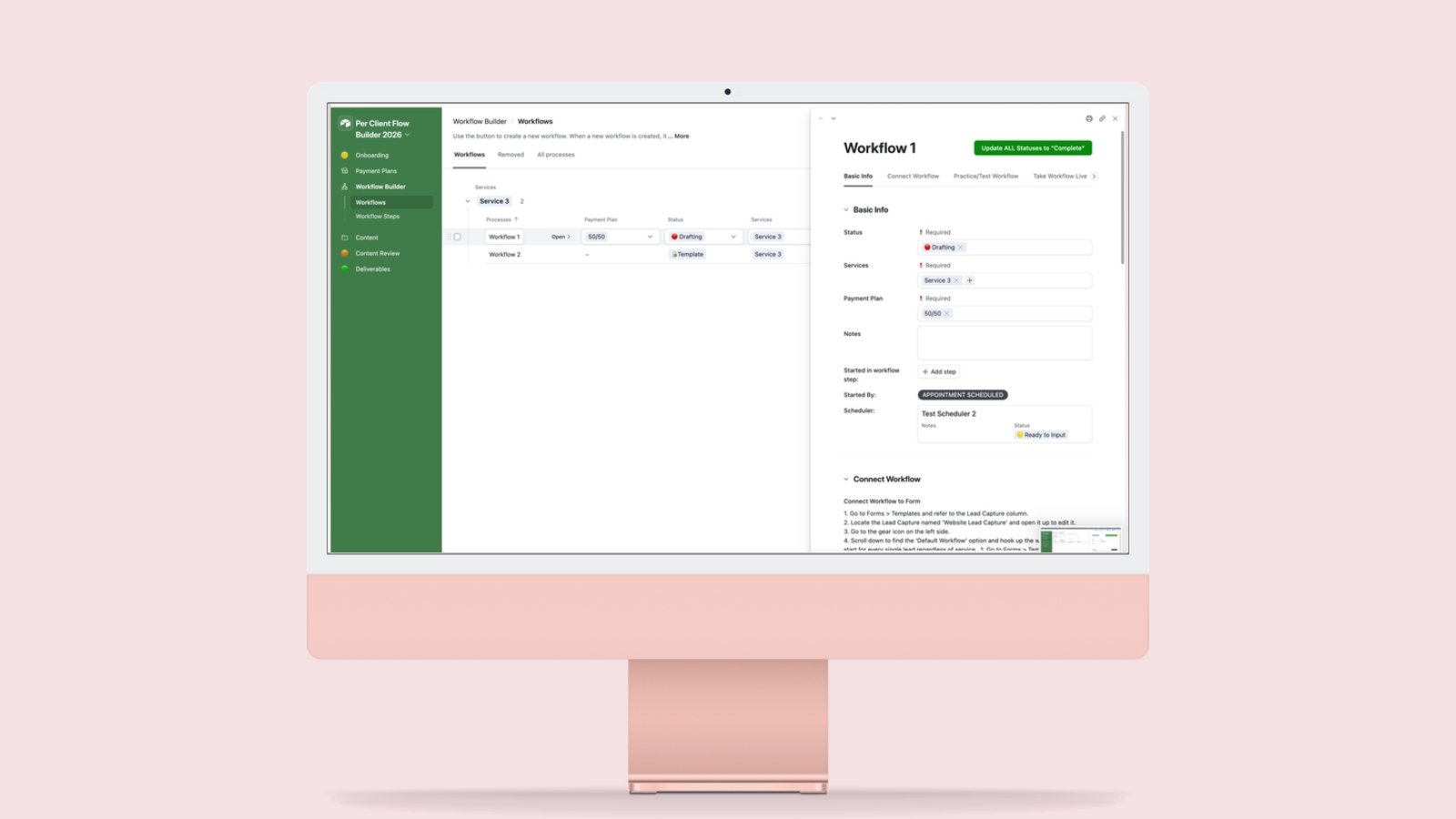
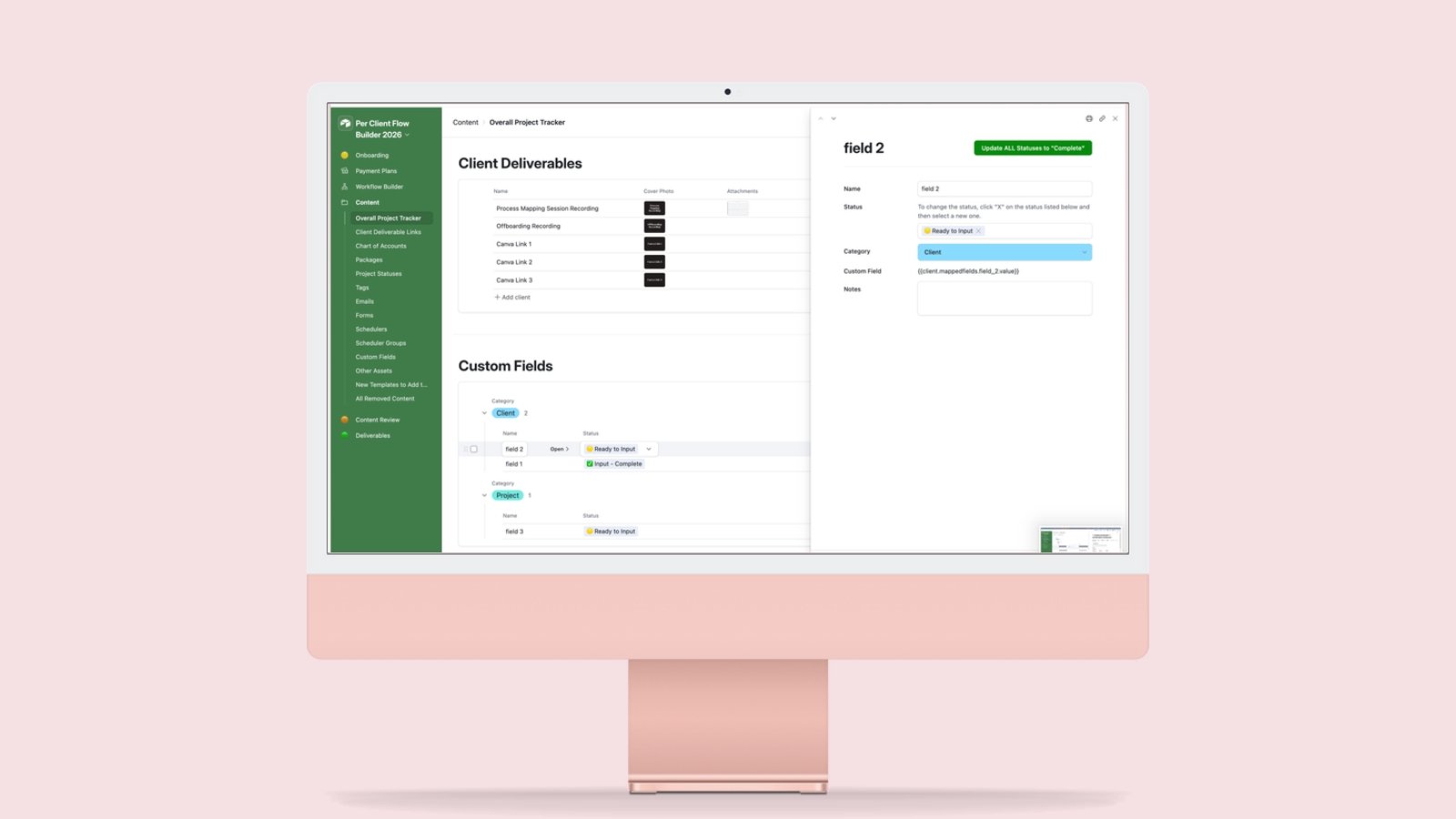
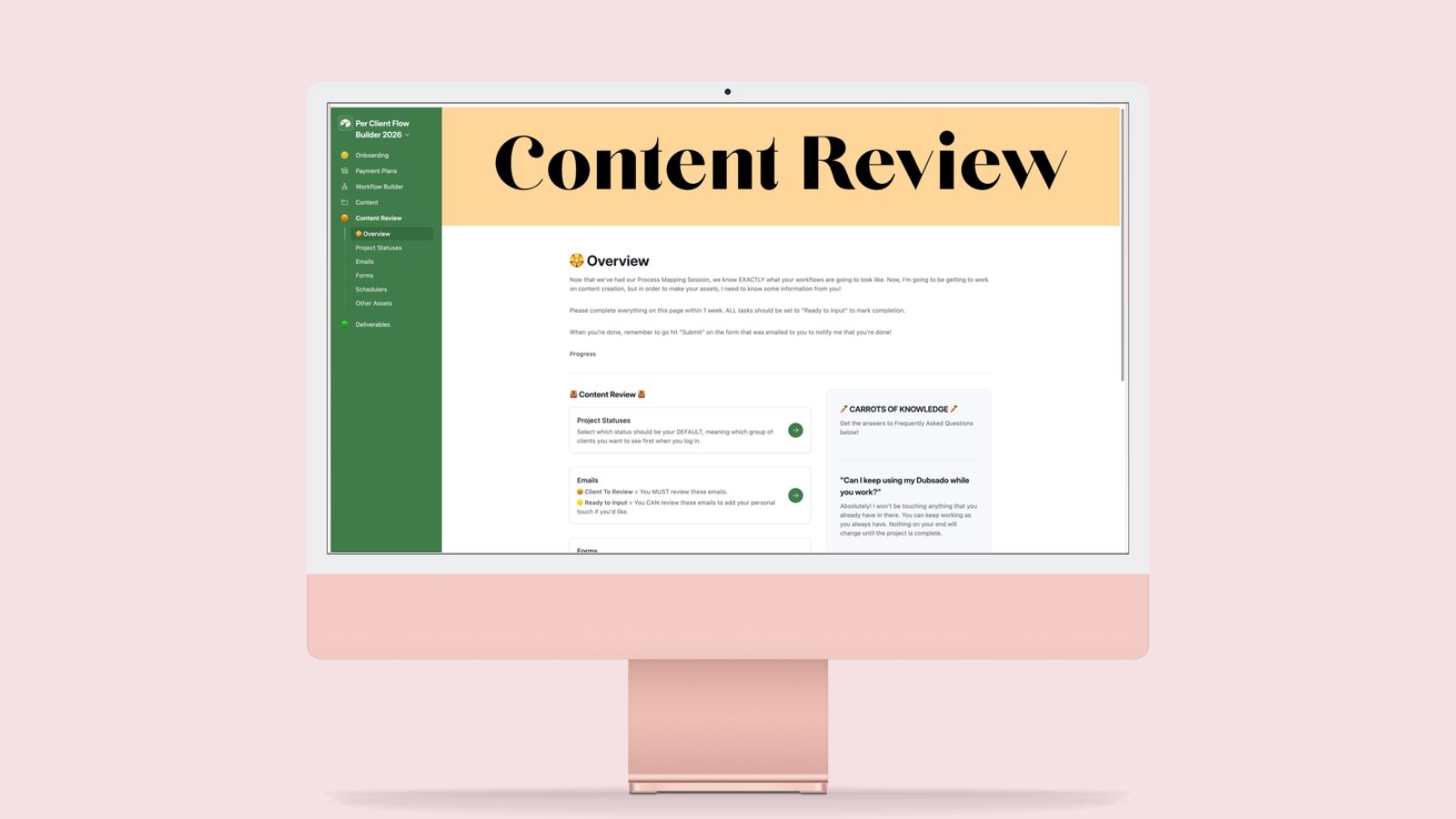
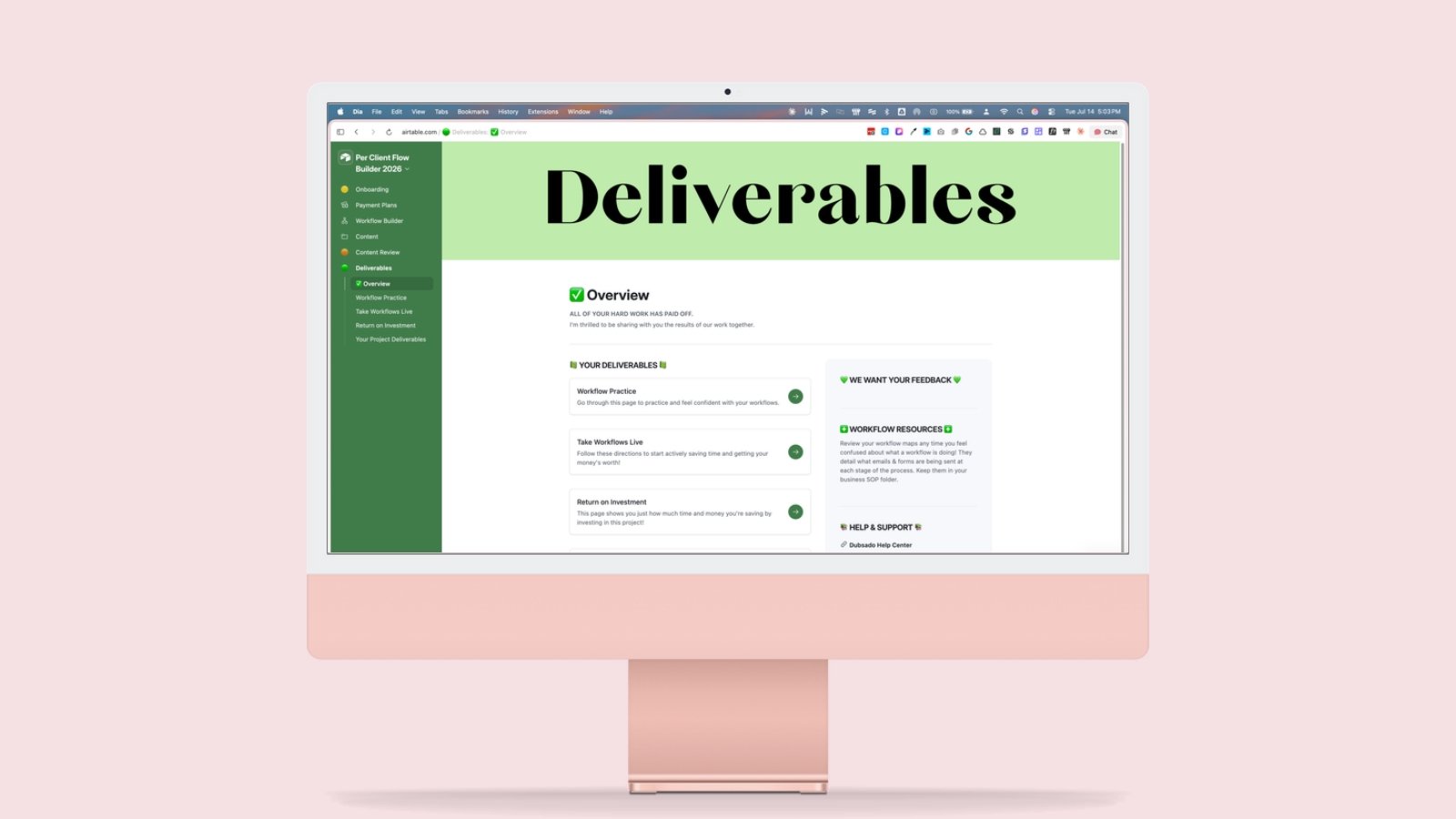
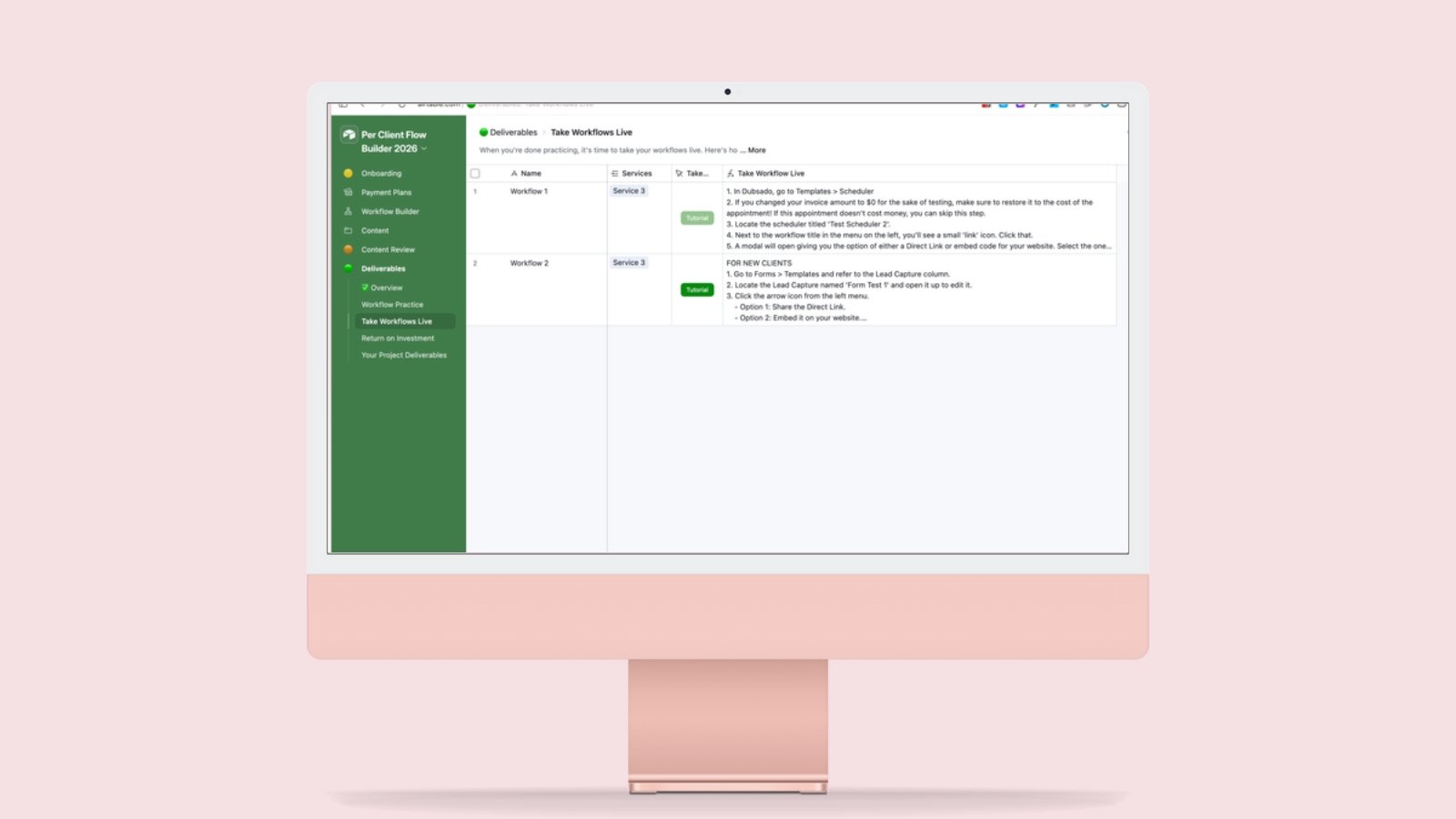
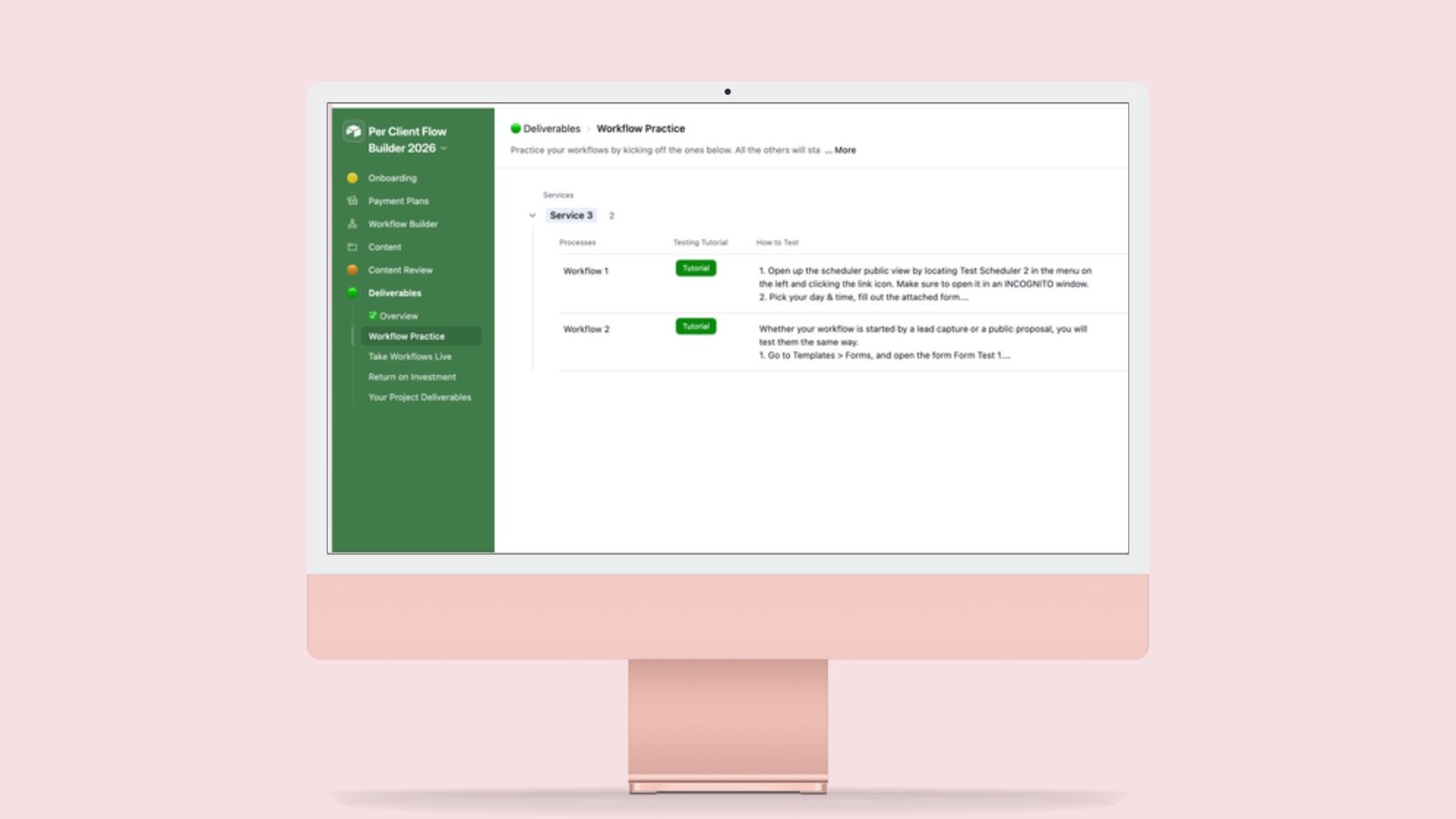
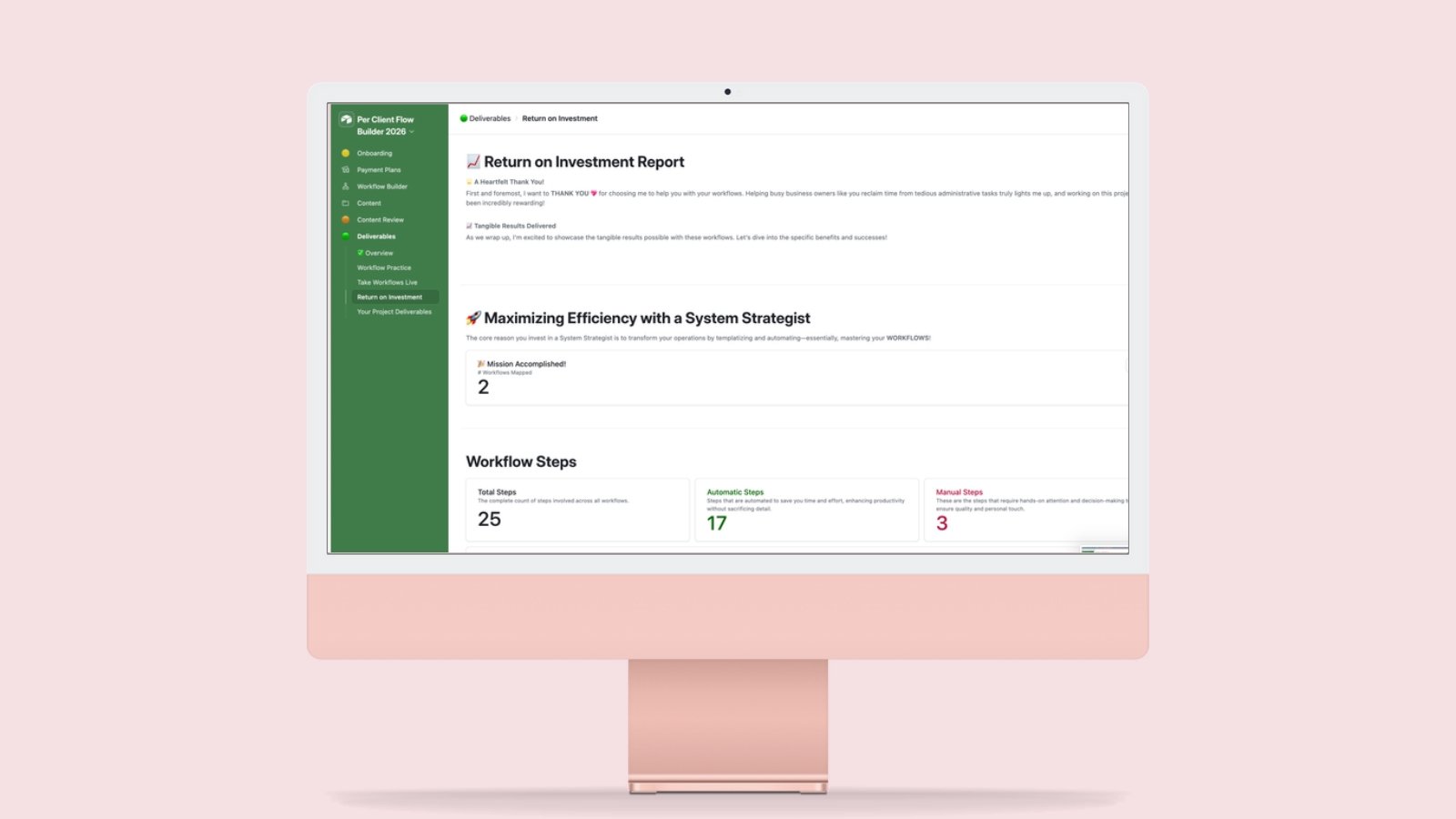
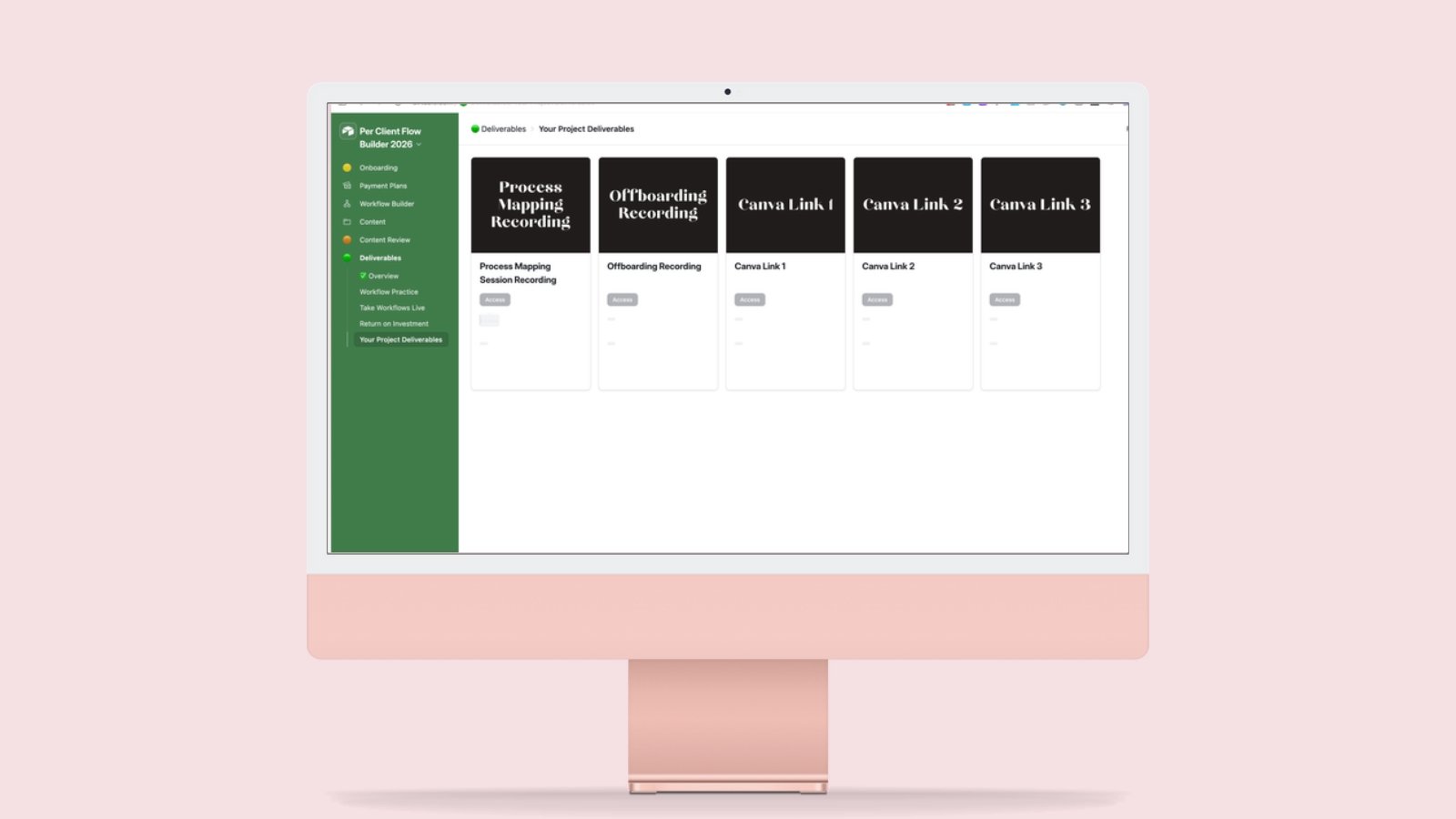
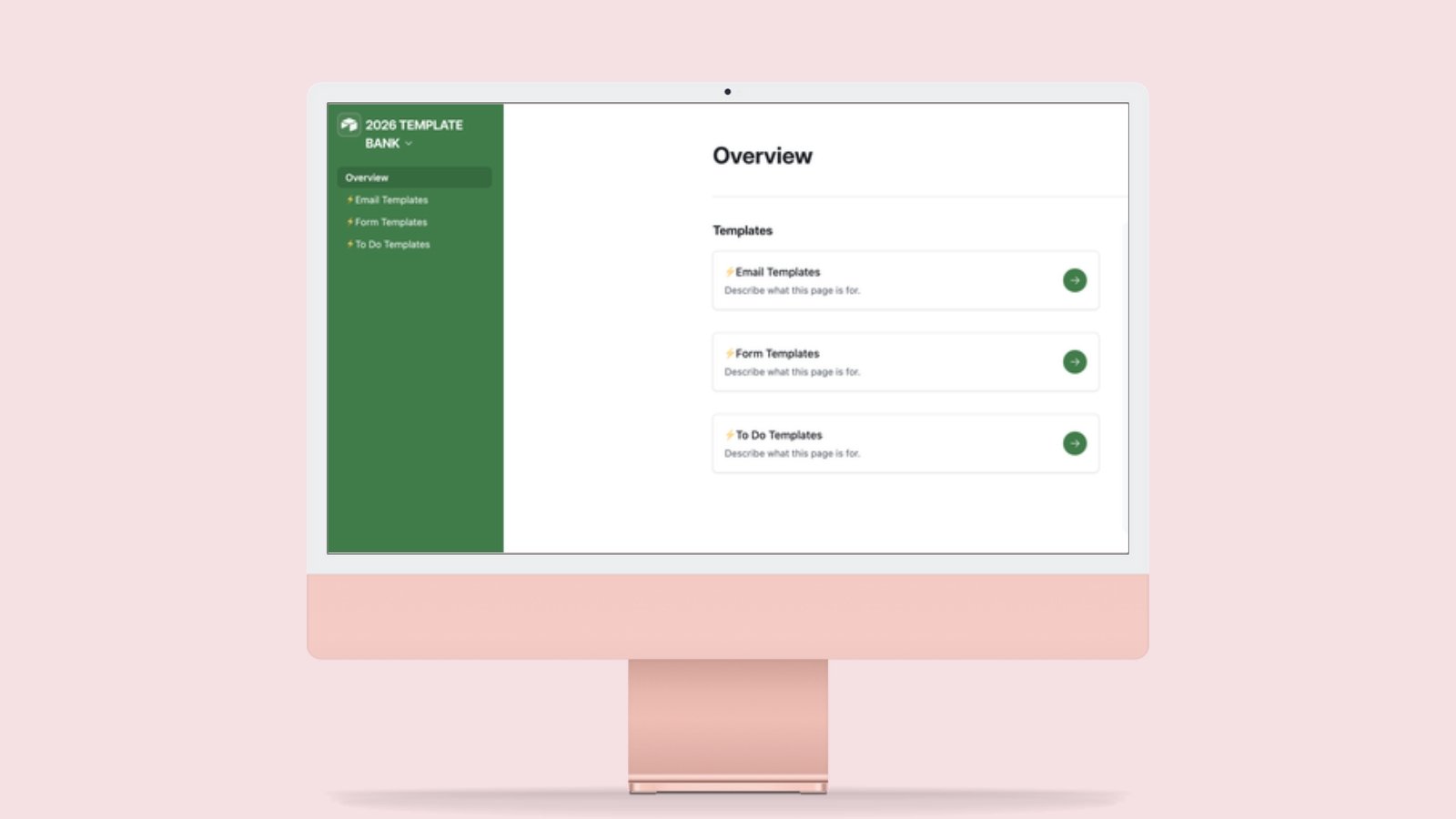
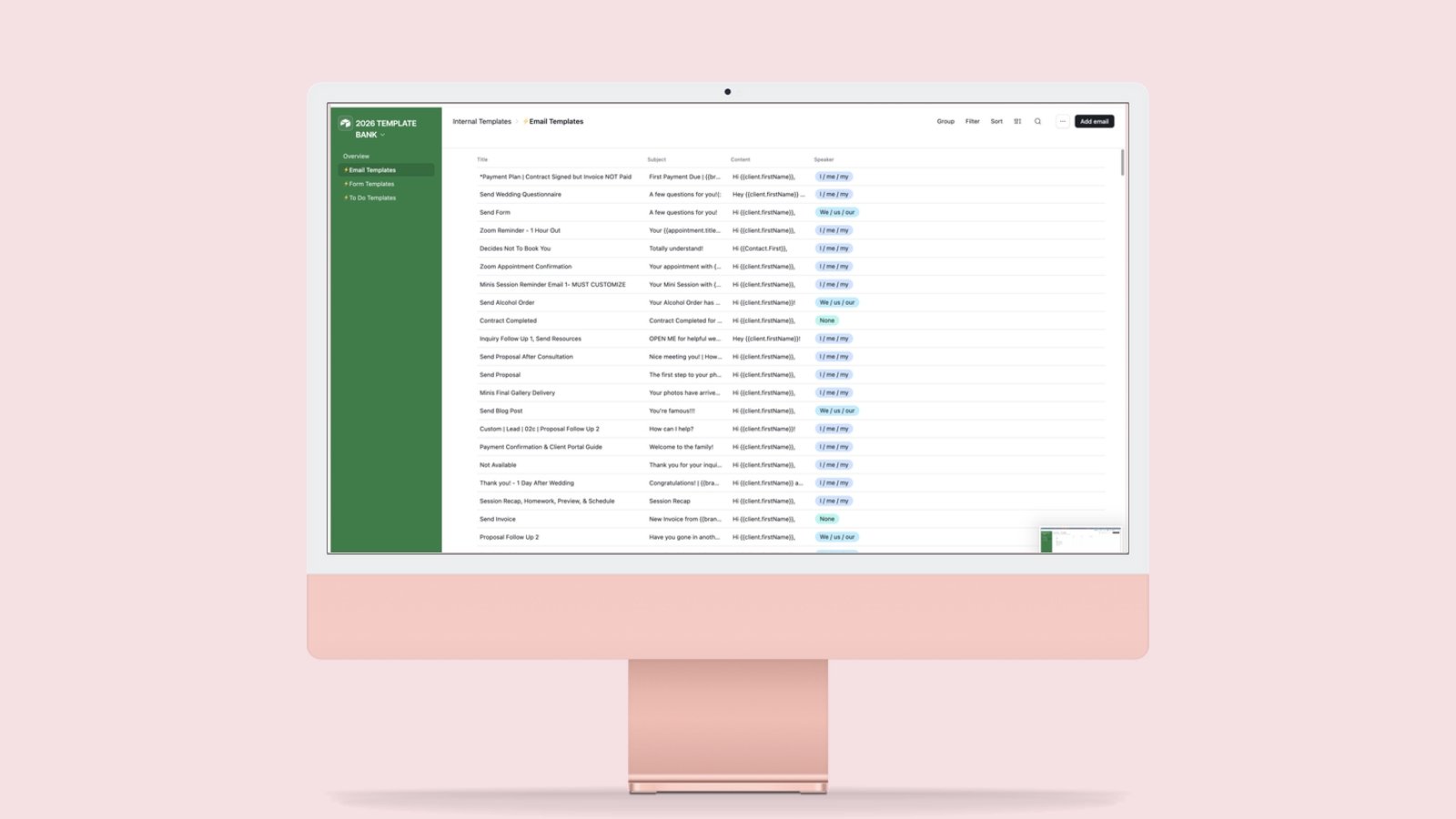
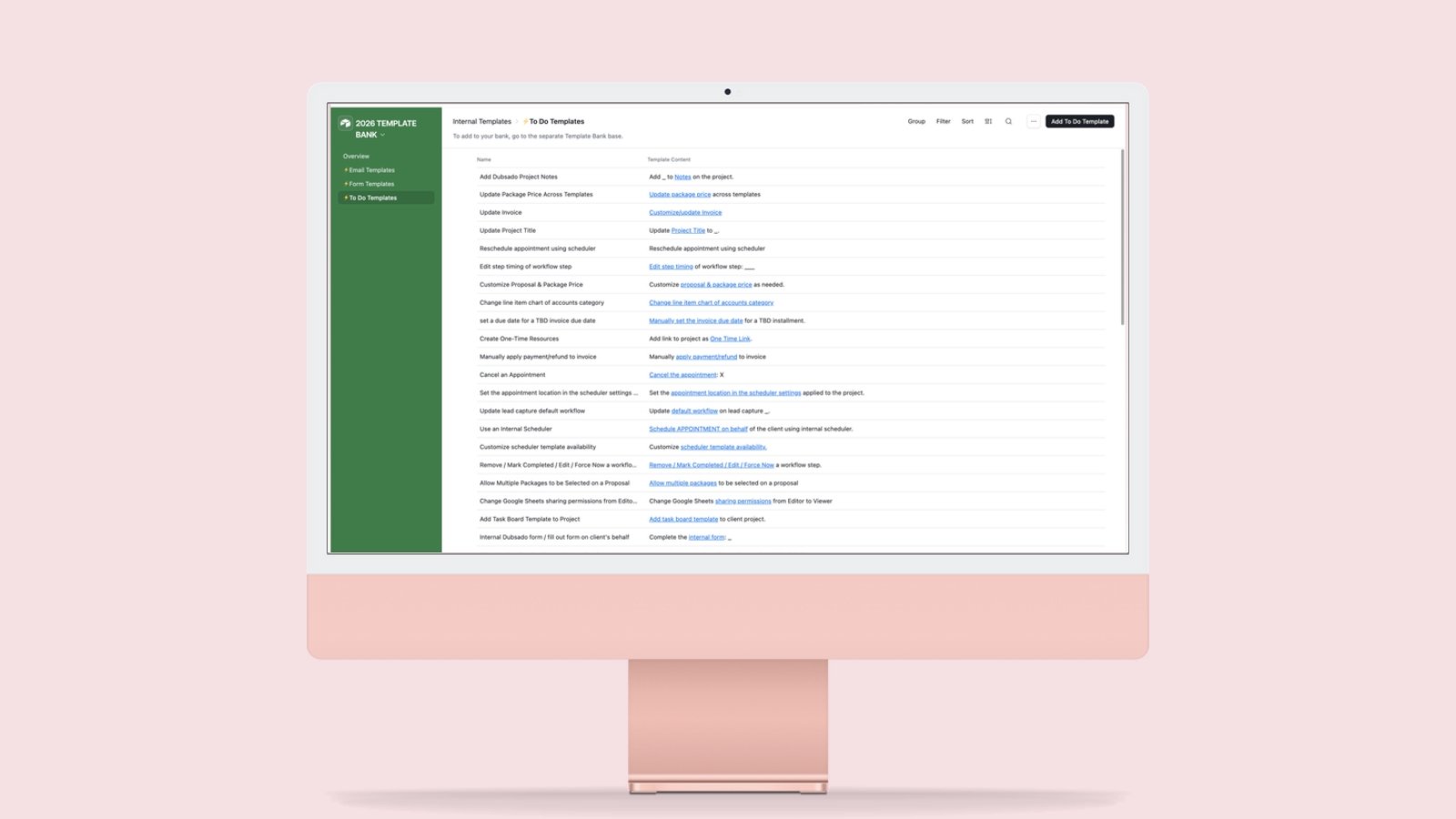
Swipe or use the arrows to see all 21 screens.

Who this is for
You’re in the right place if you:
- Do done-for-you Dubsado builds and run more than one client at a time
- Hand parts of a build to a VA, or want to start
- Own the Google Sheets Workflow Builder and your clients find the spreadsheet a lot
- Already like Airtable
It’s not for you if you:
- Love scribbling workflow maps on notebook paper and squinting at them later
- Enjoy texting your client mid-build to ask which photo they wanted in their signature
- Want to skip mapping. It asks for every detail up front.
- Aren’t building in Dubsado, or won’t pay for Airtable
- Want someone to build your Dubsado system for you. You do the build with it.
Pick the version for the platform you use
All three use the same mapping method. Choose the platform you actually want to work in.
You’re here
Airtable
- Client interfaces your client logs in to
- Printable workflow booklet and flowchart
- ROI report for each build
- Needs a paid Airtable plan
The Setup OS
Notion
- One Notion workspace for the whole business
- Client hub, pricing workbook, and quote calculator
- Implementation course with video walkthroughs
- Designed for Notion’s free plan
Dubsado Workflow Builder
Google Sheets
- Maps workflows in a spreadsheet
- Builds a deduplicated Content Directory automatically
- Exports a PDF for your client
- Runs in Google Sheets
What it requires from you
The Setup OS gives you the structure, and you do the build.
You bring
- A paid Airtable plan
- The build itself: mapping workflows, preparing content, and entering the finished system in Dubsado
Built in
- Step-by-step tutorials and testing directions
- Nine training areas that follow a client project from Start Here to Client Handoff
When you need it
- Support resources
- Updates and critical bug fix support
What’s included
- Per Client Flow Builder you duplicate for every client
- Separate Template Bank for emails, forms, and to-dos, sorted by speaker and industry and synced into your builder
- Client Onboarding interface for services, packages, team, branding, Chart of Accounts, process, and account settings
- Connected workflow mapping, with every step linked to the assets it needs
- Overall Project Tracker in recommended build order, with live status on every item
- Client Content Review, where your client edits the wording directly
- Deliverables interface with workflow practice, take-it-live instructions, and ROI reporting
- Printable Workflow Booklet as a branded PDF
- Flowchart built from your completed workflows
- Updates and critical bug fix support
Ready to run your next client build?
With the Setup OS, you can:
- Run every client build from one base
- Find any document mid-build
- Hand a build to your VA
- Show a client what their build is worth
This is a digital product with a lifetime license, and all sales are final.
Questions
Do I need the Notion and Google Sheets versions too?
No. Pick the platform you want to work in. You do not need all three.
Doesn’t mapping take longer in this one?
Yes, on every build. It asks for every detail up front, so you settle those questions during mapping, and the build has what it needs when you sit down to do it.
I already own the Google Sheets Workflow Builder. Should I switch?
Switch if your clients find the spreadsheet hard to follow, if you like working in Airtable, or if you want one connected system instead of the separate pieces the Sheets version needs alongside it. In the Setup OS, clients log in to interfaces, and everything after the map is connected.
Do I need a paid Airtable plan?
Yes. The Setup OS uses synced tables, shared interfaces, automations, and base extensions, which require a paid Airtable plan.
Can I use it for more than one client?
Yes. You duplicate the Per Client Flow Builder for every client you build for.
If I update my templates, do my existing client bases change?
Not automatically. A new client copy starts with your latest templates. Existing client bases only get template changes if they stay connected to the Template Bank or you connect them separately.
Is there training?
Yes. Step-by-step tutorials and testing directions are built in, and support resources are there when you need them.
Do I get updates?
Updates and critical bug fix support are included. Ongoing enhancements are provided at my discretion and are not guaranteed.
Terms of use: platform changes and feature availability
The Setup OS is built entirely within Airtable, using features available on the platform at the time of development. This Airtable build relies on synced tables, shared interfaces, automations, and base extensions, which means it requires a paid Airtable plan to run.
By purchasing and accessing The Setup OS, you acknowledge and accept that:
- You are responsible for maintaining an Airtable plan that supports the features required to run this system.
- Future changes made by Airtable, including but not limited to pricing updates, feature restrictions, or limitations on integrations, may impact how certain elements function.
- No partial or full refunds will be issued if platform-level changes made by Airtable affect the system’s performance or functionality.
This purchase grants you a lifetime license to the system as it exists at the time of purchase. Ongoing updates and enhancements are provided at the discretion of the creator and are not guaranteed.