




Description
If your current pre-build process involves a notes doc, a separate workflow chart, and a manually compiled asset list you’re hoping is complete, you already know what this solves.
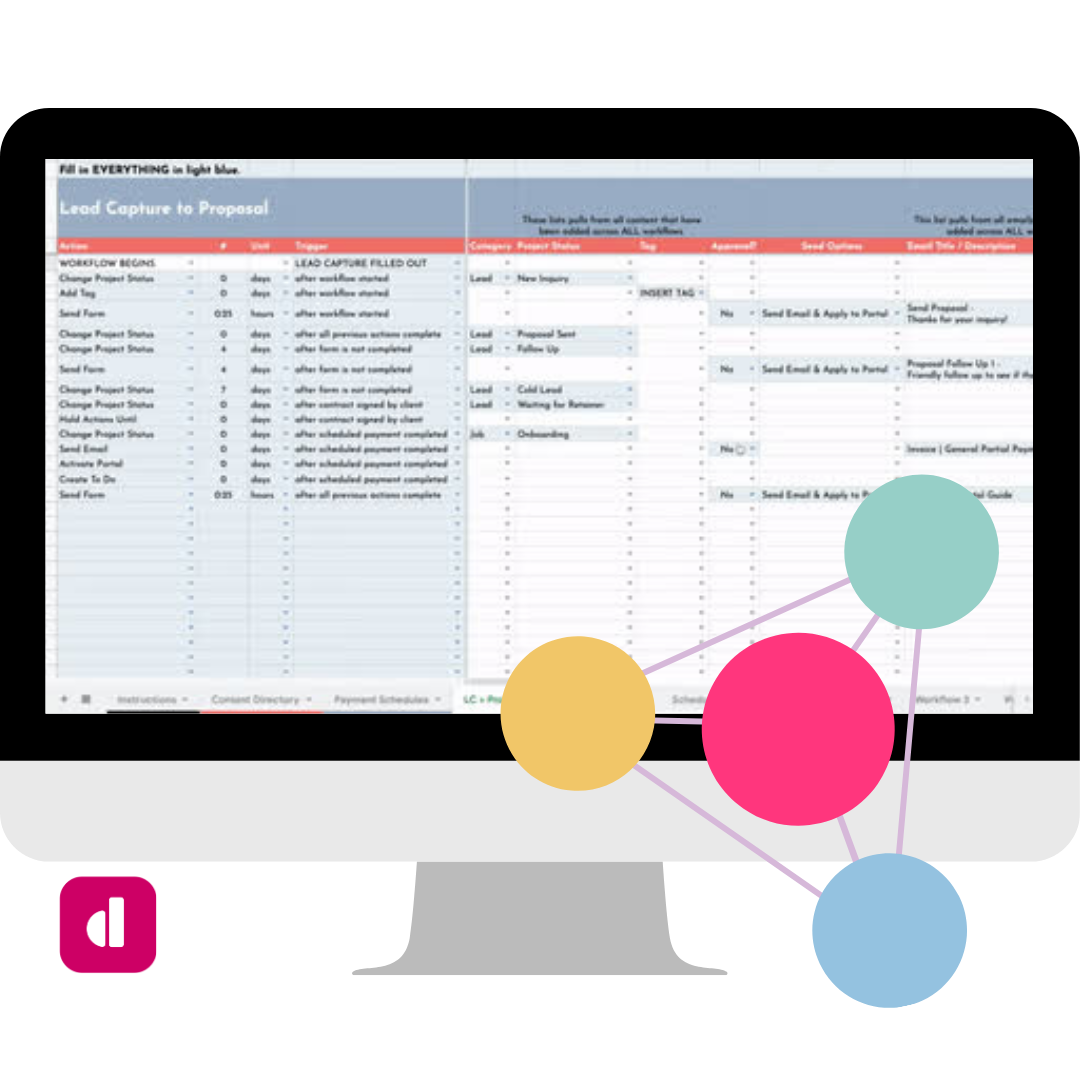
The Dubsado Workflow Builder is a Google Sheets workbook built specifically for Dubsado setup specialists to use across every client build. You map the workflows during your process mapping session, and the file does the infrastructure work: a complete Content Directory auto-populates from everything you enter, deduplicated, with every asset the build requires surfaced in one place before you build a single thing in Dubsado.
What’s Included
- Content Directory: auto-populates almost entirely from the Workflows tab. Every email, form, contract, proposal, questionnaire, scheduler, payment plan, tag, custom field, project status, and Zap the build requires appears here exactly once. If the same email lives in five workflows, it shows up once. You do not compile this asset list manually. It surfaces itself. The only manual entry is team members.
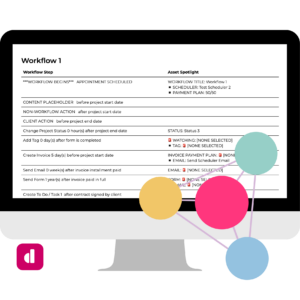
- Workflows Tab: the core working tab for your workflow mapping. Every workflow step is a row. Conditional formatting highlights exactly which fields need to be filled in based on the action type selected. Covers all native Dubsado action types plus four planning additions for documenting non-workflow actions, client actions, new workflow blocks, and content placeholders that need to exist but don’t sit on a workflow step.
- Payment Plans Tab: a pre-built library of six common payment plan structures. Check the box to include a plan; it populates the Content Directory. Includes due date logic and up to three automated reminder emails per plan.
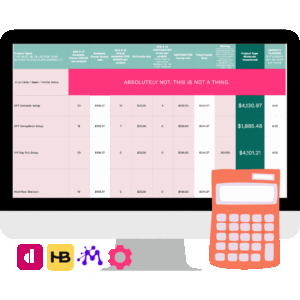
- ROI Report: calculates hours and money saved for the client based on the workflows you’ve built. Not a reporting tool. A closing tool. The value of the setup becomes concrete and calculable before the build is done.
- Autofills to IQ: fields from the Workflows tab auto-populate the corresponding questions in the Implementation Questionnaire Kit (sold separately), so the handoff from process mapping to execution has no gap and no redundant data entry.
- Full Instructions Tab: locked read-only orientation covering how the file works, how each tab connects, key tips, and known limitations.
How It Works
Keep a clean master copy. This is also where you build your own starting-point workflow templates for the service types you set up most often: map your standard inquiry-to-offboarding structure once, save it in your master, and duplicate it as the starting point for each new client instead of beginning from scratch every time. Duplicate the master for each client, fill in their specifics, and you’re building from a foundation instead of a blank file.
Use the builder live during the process mapping session, filling in workflow steps as you build the map with the client. By the time the session ends, you have a complete workflow plan, a ready-to-hand-off Content Directory, and an ROI Report you can walk the client through before they leave.
If you have a VA or assistant handling any part of the build, the Content Directory is the handoff document. Every asset that needs to exist for the Dubsado setup is listed in one place, ready to delegate.
“The Content Directory is the gold nugget of this product. It was the main reason I purchased. When setting up workflows this makes the process 10X faster.” — Qwantel M, Qwantel Latay LLC
“Before the workflow builder, my preplanning was basically a mess. I would have notes on a doc, then build out the workflow into a chart, and then attempt to figure out which forms I need. It was organized chaos. Once I started using the workflow builder, I cut out hours of work.” — Caitlyn Gray
Pairs With
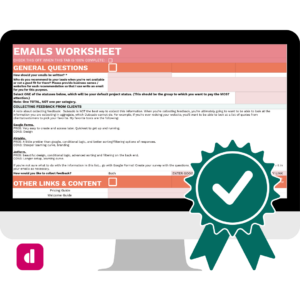
Works directly with the Implementation Questionnaire Kit (fields autofill from the Workflows tab) and the ClickUp Board (built around the same methodology). Using all three together is the full Dubsado setup system.
Technical Requirements
Google Sheets. Requires a Google account. Duplicate the master copy before use; do not work in the original file.