Description
Here is what most Dubsado builds actually look like behind the scenes: the workflow map in one place, the email copy in a doc, the client’s feedback in a third app, the implementation checklist in a spreadsheet, and the handoff materials rebuilt from scratch at the end of every single project.
It works. Barely. And it costs you time, energy, and mental load on every build you deliver.
The Setup OS is the operating system I built for my own setup business, and this is the Airtable build of it. It is not a template pack or a collection of resources. It is a connected system that runs the full lifecycle of a client build, from the first onboarding form all the way through client handoff, so the work you do while mapping carries through the rest of the project instead of getting recreated three more times.
What is inside
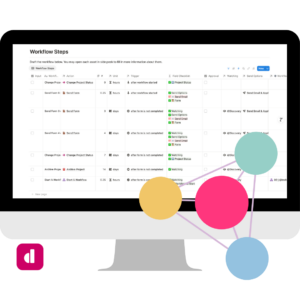
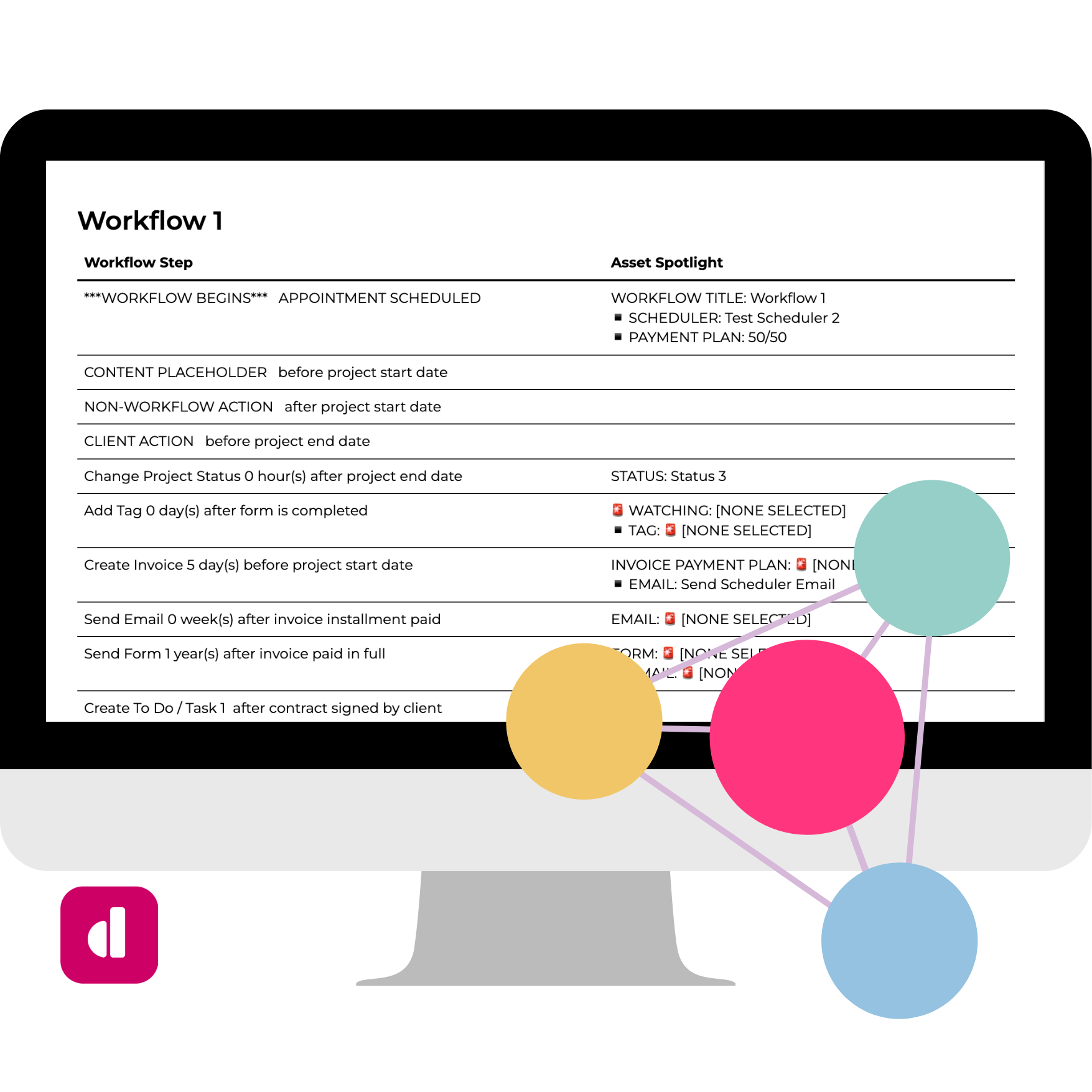
The workflow builder is the core. You map your Workflows and the Steps inside them, and each Step connects to the exact email, form, scheduler, payment plan, status, tag, custom field, package, or to-do it needs. Steps can be automated Dubsado actions, manual work, client actions, or content placeholders, so the map covers the entire client experience, not only the parts Dubsado automates. The map stops being a diagram you leave behind and becomes the plan you build from.
Onboarding is handled by an interface you share with the client. They enter their services, packages, team, branding, Chart of Accounts, and current process, and adding a service can spin up its workflow shells for you. Your reusable content lives in a separate Template Bank for emails, forms, and to-dos that syncs into your builder, so you update wording in one place and pull it forward into the next client.
While you build, the Overall Project Tracker gives you one internal view of the whole thing in a recommended build order, showing what is drafted, what is waiting on the client, what is ready to input, what is partially entered, and what is complete. Client review happens in a smaller interface where the client edits the actual subject line or wording they want used instead of leaving you a vague note to interpret.
At the end, the client gets a Deliverables interface that becomes their long-term home for the build: how to practice each workflow, how to take it live, what the system is projected to save them, and every map, video, and document you made. Two built-in visual deliverables round it out. The Printable Workflow Booklet exports a branded PDF of any workflow, and the Flowchart turns your steps into a visual path that can SHOW branches Dubsado and Airtable otherwise only list.
Why this exists
The scattered version works right up until it does not. You are the integration layer, holding five disconnected tools together by memory and effort on every build. This build ends that, and it does a few things the Notion build cannot.
Your client works inside real shared interfaces that only ever show their current stage, and they give feedback as direct edits to the exact wording they want, not notes you have to decode. The entire project lives in one relational base, which is what lets it hold a complex build without strain and makes handing pieces to an assistant actually clean. And the client walks away with two visual deliverables the Notion build does not produce: a branded workflow booklet and a flowchart that shows the branches, not just a linear list.
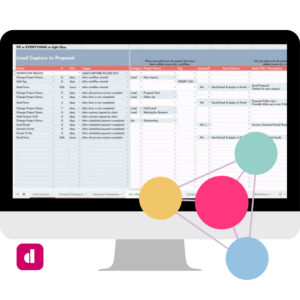
The Workflow Builder began in Google Sheets: map your workflows, get the deduplicated checklist of everything the build needs. This is the full system that grew out of it, and it now comes in two platform builds, Notion and Airtable. Both run the entire client build, not just the map, and both are a step up from the Google Sheets version. Pick the platform you actually want to work in. If Airtable is home, you build here instead of exporting your process into a tool you only tolerate. You do not need all three.
What it requires from you
You build in it. The tutorials and testing directions are built in, and the support resources are there when you need them. But a base that sits in your workspace does exactly nothing, so show up, get it done, and then let it run.
DONE is better than perfect. That is true here too.
What’s Included
- Per Client Flow Builder you duplicate for every client
- Separate Template Bank for emails, forms, and to-dos, synced into your builder
- Client Onboarding interface for services, packages, team, branding, Chart of Accounts, and process
- Connected workflow mapping, every Step linked to the assets it needs
- Three shared client interfaces with staged access, from Editor at onboarding to Viewer at handoff
- Overall Project Tracker in recommended build order, with live status on every item
- Client Content Review built on direct edits, not vague feedback
- Deliverables interface with workflow practice, take-it-live instructions, and ROI reporting
- Printable Workflow Booklet as a branded PDF
- Flowchart that shows branches, not just a linear list
- Updates and critical bug fix support
Terms of Use: Platform Changes and Feature Availability
The Setup OS is built entirely within Airtable, using features available on the platform at the time of development. This Airtable build relies on synced tables, shared interfaces, automations, and base extensions, which means it requires a paid Airtable plan to run.
By purchasing and accessing The Setup OS, you acknowledge and accept that:
- You are responsible for maintaining an Airtable plan that supports the features required to run this system.
- Future changes made by Airtable, including but not limited to pricing updates, feature restrictions, or limitations on integrations, may impact how certain elements function.
- No partial or full refunds will be issued if platform-level changes made by Airtable affect the system’s performance or functionality.
This purchase grants you a lifetime license to the system as it exists at the time of purchase. Ongoing updates and enhancements are provided at the discretion of the creator and are not guaranteed.