




Description
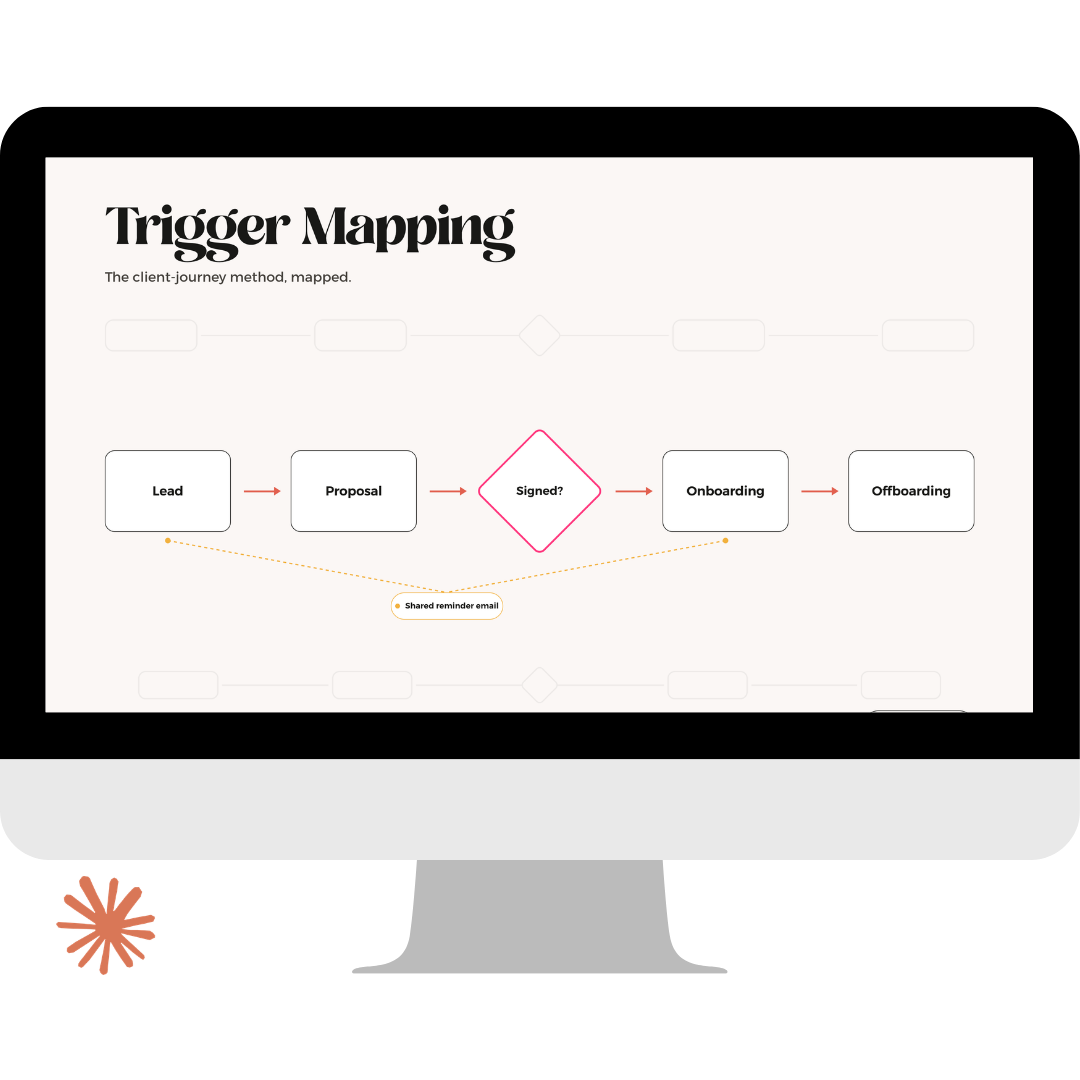
Dubsado workflow mapping is where a build is won or lost, and most of it happens in a strategist’s head. That is where misfires come from: the email that sends early, the form that never fires, the trigger quietly watching a scheduler that went out by hand. You find out after the client does.
The Trigger Mapping Method is the workflow mapping method I have run on EVERY build for eight years. Three stages: Map It, Test It, Ship It. It turns a client’s described process into a complete, ordered map of actions and triggers with every piece of content accounted for, and it catches misfires before anything goes live. This is the first time I have taught it in full, and it ships with a Claude skill trained on the entire method.
What’s Included
Trigger Mapping: The Course
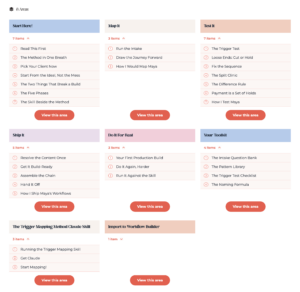
- The complete method. The three stages, the Five-Phase Framework, the Difference Rule, the Bridge Rule, and the naming formula, taught the way I actually use them on client builds.
- Build-along working sessions. Every session ends with work on your own real client. You finish the course holding a finished map, ready to build.
- Watch Me demos. Reference builds on my demo client so you can see each move before you make it yourself.
- The job aids. The intake question bank, the Pattern Library, the Trigger Test checklist, and the Naming Card. These are the tools I open on every single build.
The Trigger Mapping Claude Skill
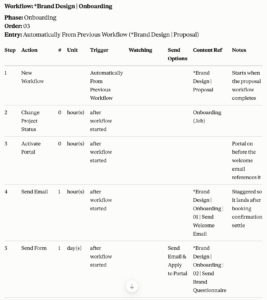
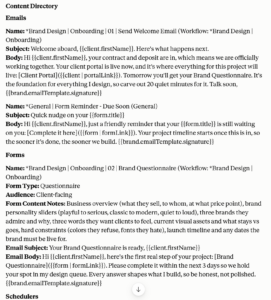
- The method, on demand. Hand the skill a process intake and it produces a full Trigger Map: chained workflows, ordered Dubsado workflow triggers, and every email, form spec, scheduler, to-do, and payment plan drafted in the client’s voice.
- Same language as the course. The skill uses the exact terminology you learned, so you can check its output against your training by name and correct it the way you would correct a junior mapper.
The Import Mini Skills
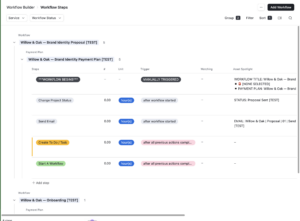
- One importer for each workflow builder I sell. Mini Skills that write a finished Trigger Map straight into The Setup OS: Airtable Workflow Builder, The Setup OS: Notion Workflow Builder, or the Google Sheets Dubsado Workflow Builder. Map in Claude, land it in your builder, start building. Nothing gets retyped.
- The Builders must be purchased separately.
How the Pieces Work Together
- The course installs the judgment.
- The skill runs the mechanics.
- AI can map a workflow, but it cannot tell you when a phase should split, when a decision point belongs to a human, or when a client’s described process should not be automated as described. That is your job, and the course teaches it.
- Because the skill runs on the same rules you learned, you review its maps as the strategist, approve them, and send them into your builder through the Mini Skill. The method stays yours at every step.
Requirements
- The course is delivered through MemberVault.
- The Claude skill and Mini Skills require a paid Claude account that supports skills.
- The Mini Skills require ownership of the matching workflow builder; the Trigger Map itself is platform agnostic and usable without one.
- Personal use only. No refunds due to the digital nature of the product.